QR Menu — Move Your Menu Digital in Minutes
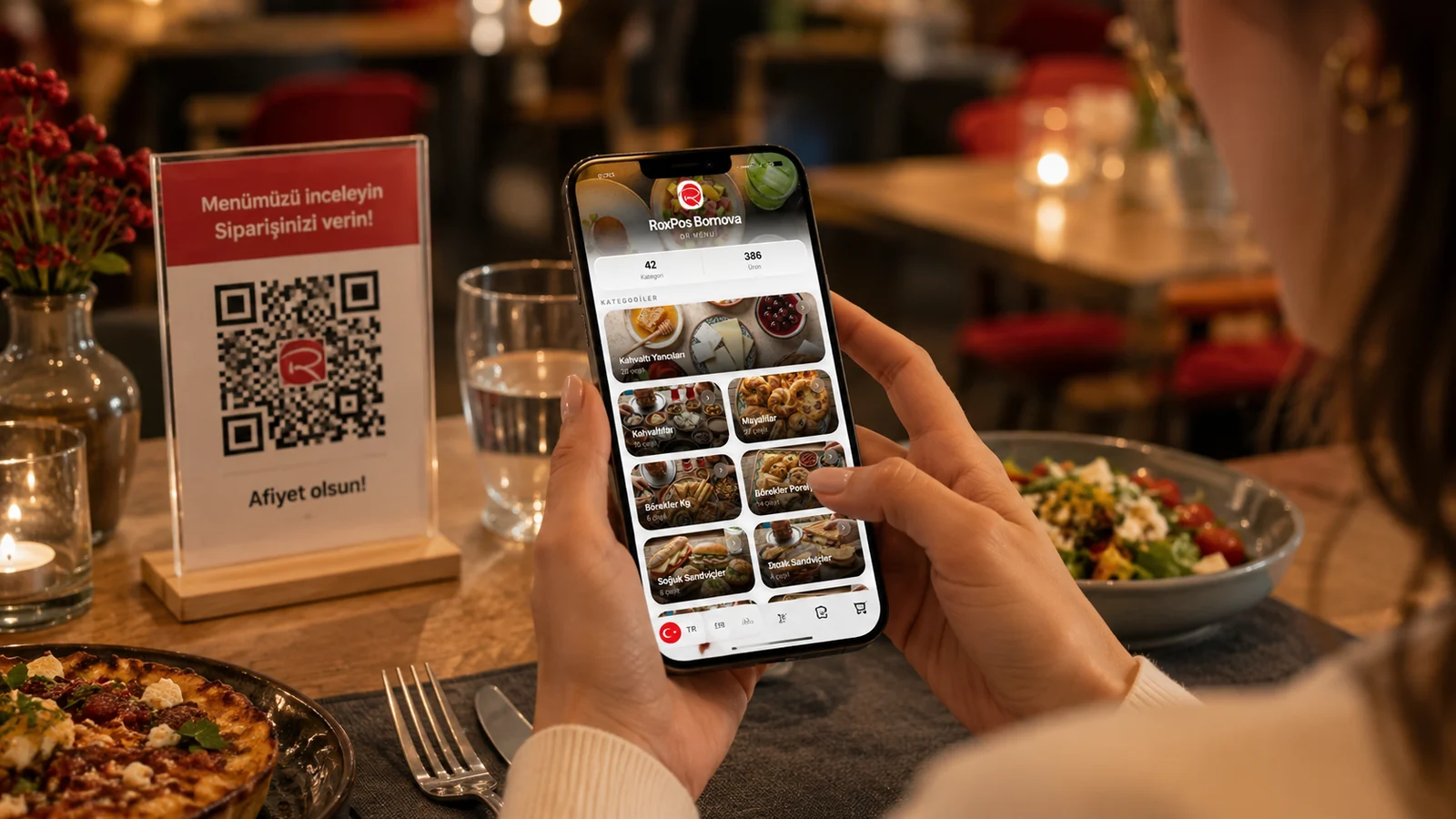
Guests scan the QR code and see your menu instantly. No setup, no app.
- Unlimited categories and products — organize your menu freely.
- Multilingual menu — serve foreign guests in their own language.
- Product photos, allergens and prices — clear info on every item.
- Download the QR code, place it on tables — start instantly.
What Is a QR Menu?
A QR menu is a digital menu that opens when guests scan a QR code placed on the table. With no app to install, they browse your menu in the browser — categories, photos and prices. Update the content anytime; the QR code stays the same.
How to Set It Up in 5 Minutes
Open a free account, add categories and products, download the QR code and place it on tables. That's it. Add your logo, cover image and colors to match your brand.
Who Is It For?
- Publishing menu and price changes instantly with no printing cost
- Offering foreign guests a menu in their own language in tourist areas
- Meeting hygiene and speed expectations with a contactless menu
Frequently Asked Questions
How does a QR menu work?
Each table gets a QR code. When a guest scans it, the menu opens in the browser with no app install.
Does the QR code change when the menu changes?
No. Even if the menu content changes, the QR code stays the same — you print it once.
Does the guest need to install an app?
No. The QR menu opens in the browser; no app or sign-up needed.
Related Solutions & Guides
Digital Menu — Ditch Printed Menus and Update at Zero Printing Cost
Restaurant QR Menu — Digitalize Your À la Carte Menu
Contactless Menu — Hygienic, No Shared Menus
QR Code Menu — A Digital QR Code Menu for Your Restaurant
What Is a QR Menu? A Complete Guide for Restaurants
A QR menu is a digital menu that opens when a guest scans a QR code on the table. Here's how it works and why it matters.
How to Create a QR Menu? A Step-by-Step Guide
Creating a QR menu is easier than it looks. We walk you through every step, from digitizing your menu to placing the QR code on tables.