Restaurant QR Menu — Digitalize Your À la Carte Menu
Allergens, photos and prices in one QR code; foreign guests in their own language. No app.
- Allergen and ingredient info on every dish — let guests order with confidence.
- Multilingual à la carte — tourists read your menu in their own language.
- Appetizing photos — starters, mains, desserts and wine pairings.
- Update menu and prices instantly — no reprinting, the QR stays the same.
- No setup and no app — ready on the tables in minutes.
Why a QR Menu Makes a Difference for Restaurants
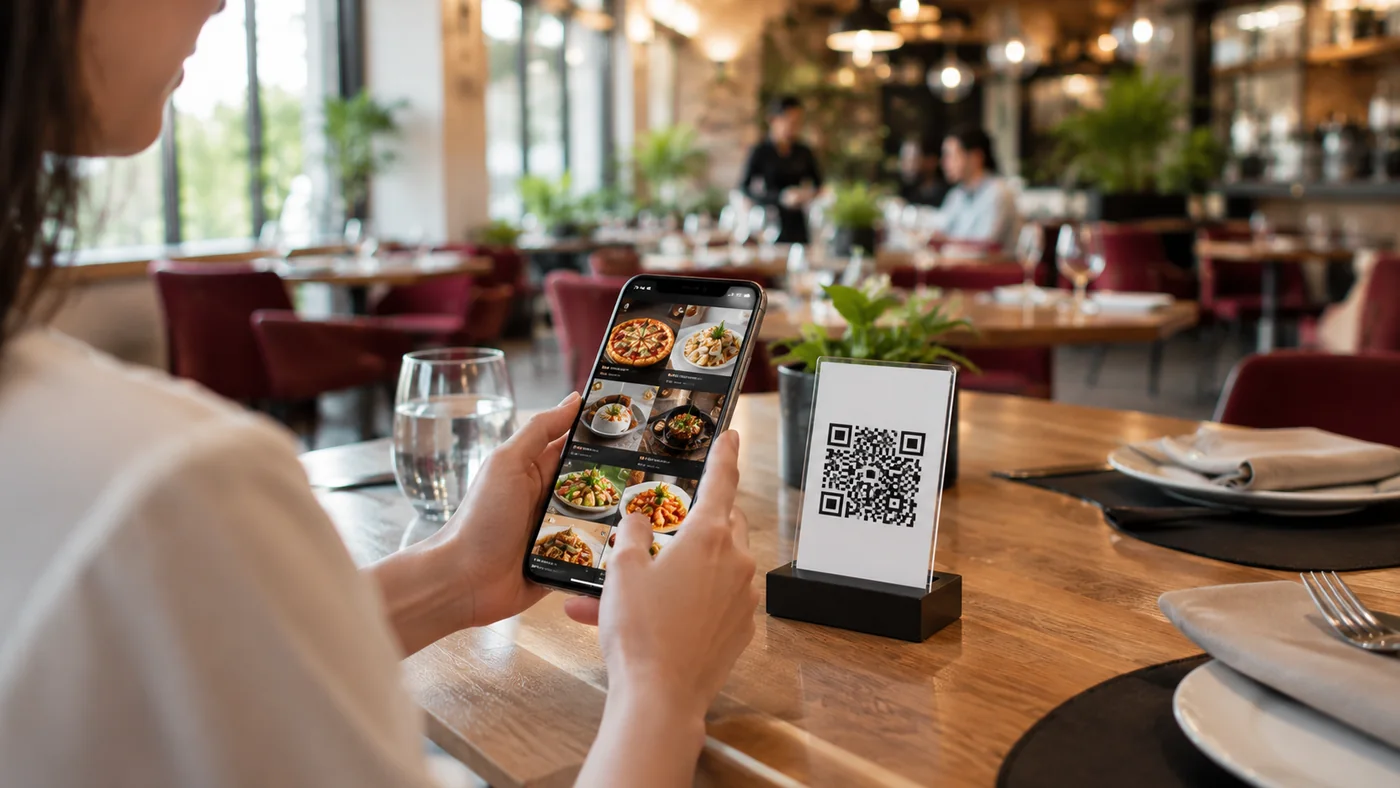
In an à la carte restaurant the menu is the first impression of the experience. With a restaurant QR menu you present every dish with an appetizing photo, a clear description and an up-to-date price. The guest scans the QR code on the table and sees your menu in the browser without installing an app, browsing easily from starters to desserts. Showing allergen and ingredient details on each item builds trust and lightens the load on your service team.
Allergens and a Multilingual Menu: Essential for Tourist Guests
In a tourist area a foreign guest feels more comfortable and orders more when they can read the menu in their own language. With ROXQR you offer the same menu in several languages and show allergen labels on every dish; items containing gluten, nuts, dairy or seafood are clearly marked. For a more thorough allergen solution see the allergen-friendly QR menu page. This way guests feel safe and misunderstandings and tableside questions drop.
Set Up Your Restaurant QR Menu in Minutes
Open a free account, add your categories (starters, mains, desserts, drinks) and products, upload photos, set allergen labels and languages. Download the QR code and place it on tables and menu stands; add your logo, cover image and colors to match your restaurant's brand. That's it — no setup, app or technical knowledge required. If you are a coffee-led venue, the cafe QR menu page may suit you better.
Who Is It For?
- À la carte restaurants wanting a menu with photos, allergens and multiple languages
- Restaurants in tourist areas showing foreign guests a menu in their language
- Venues that change menu and prices often and want to drop printing costs
- Kitchens with allergen obligations wanting to show ingredient info transparently
Frequently Asked Questions
Can I add allergen information to the restaurant QR menu?
Yes. You can add allergen labels to each item and clearly show contents like gluten, nuts or dairy to guests.
How many languages can I offer the menu in?
You can offer the same menu in several languages; tourist guests read it in their own language with no extra QR code needed.
Can I change prices or dishes seasonally?
Yes. Update the menu anytime from the panel, add or remove seasonal dishes; no reprinting the QR code, it stays the same.
Related Solutions & Guides
QR Menu — Move Your Menu Digital in Minutes
Café QR Menu — Your Coffee and Dessert Menu, Photo-Rich and Digital
Allergen-Friendly QR Menu — Clear Allergen and Ingredient Info on Every Item
QR Menu Guide for Restaurants
How do restaurants switch to a QR menu? A practical setup guide from menu structure to languages, allergens and table QR codes.