Bar QR Menu — Your Cocktail and Drinks Menu on the Phone
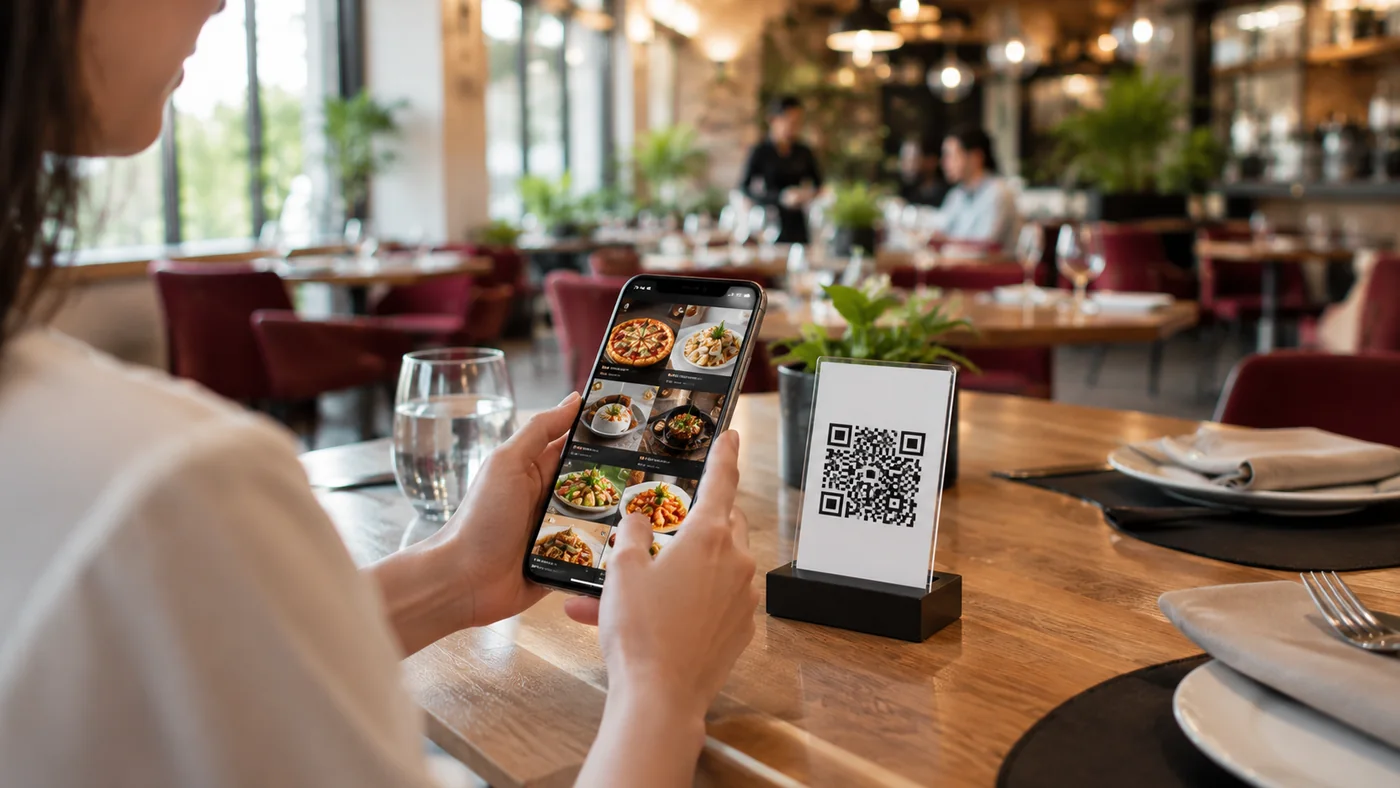
Guests scan the QR code and see your cocktail menu with appetizing photos. No app, no setup.
- Cocktails and drinks with appetizing photos — every glass looks irresistible.
- Price, ingredients and allergen info on every glass — guests choose with confidence.
- Re-order with one tap — a favorite cocktail goes back to the cart and onto the check.
- Call the waiter from the table — no need to raise a hand for the next round.
- Update menu and prices instantly — no reprint, the QR code stays the same.
What Is a Bar QR Menu?
A bar QR menu is a digital cocktail and drinks menu that opens when guests scan a QR code on the table. With no app to install, they browse your menu in the browser — cocktails with appetizing photos, prices and ingredients. They add a drink to the cart and re-order it with one tap; the digital order drops onto the check.
Fast Service on a Bar Night
On busy nights every minute counts. Guests open the cocktail menu on their phone, pick a drink and order the next round with one tap — no need to scroll the menu again for the same drink. With waiter call from the table, they don't have to raise a hand to ask for the check or for help. Service gets faster and tables turn quicker.
Who Is It For?
- Guests ordering another round with one tap on a busy bar night
- Showing foreign guests the cocktail menu in their own language in tourist areas
- Updating seasonal cocktails and happy hour prices instantly, with no printing
Frequently Asked Questions
How does a bar QR menu work?
Each table gets a QR code. When a guest scans it, the cocktail and drinks menu opens in the browser with no app install.
How does a guest re-order the same drink?
They add the cocktail they liked back to the cart with one tap; the digital order drops onto the check and starts a new round without waiting.
Do I need to reprint to change cocktails and prices?
No. You update a seasonal cocktail or price from the panel and the menu refreshes instantly; the QR code stays the same, with no printing cost.
Related Solutions & Guides
QR Menu — Move Your Menu Digital in Minutes
Restaurant QR Menu — Digitalize Your À la Carte Menu
Contactless Menu — Hygienic, No Shared Menus
QR Menu Guide for Bars
For bars, a QR menu means a drinks list that is readable in low light, instantly updatable and multilingual. Here's how to set one up.
What Is a QR Menu? A Complete Guide for Restaurants
A QR menu is a digital menu that opens when a guest scans a QR code on the table. Here's how it works and why it matters.