Contactless Menu — Hygienic, No Shared Menus
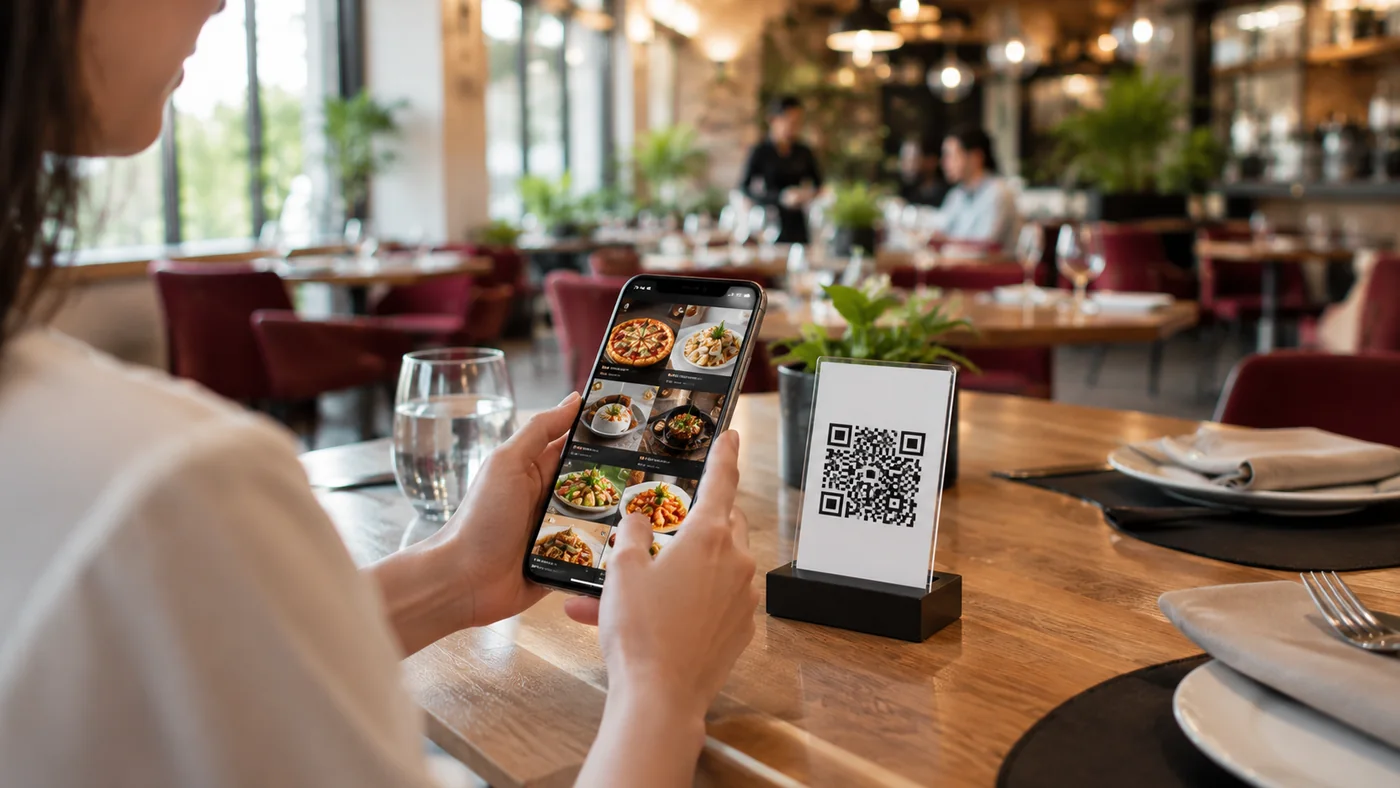
Guests scan the QR code and view the menu on their own phone. No menu passed hand to hand.
- No shared menus — everyone views the menu on their own phone, hygienic.
- Scan and view — scan the code, the menu opens in seconds.
- No app, no install — the menu opens straight in the browser.
- Multilingual with allergens — serve foreign guests in their language with clear info.
- Set up the menu in minutes — start now with a free account.
What Is a Contactless Menu?
A contactless menu is a digital menu that opens when a guest scans a QR code on the table and views it on their own device. Nobody touches the same physical menu; nothing is passed hand to hand. Without installing an app, guests browse categories, photos, prices and allergen info straight in the browser. This meets hygiene expectations and speeds up service. A contactless menu is really a hygiene-focused use of a QR menu.
Why Switch to a Contactless Menu?
Physical menus pass through dozens of hands a day and need constant cleaning; a contactless menu removes that burden entirely. Because guests use their own phone, hygiene worries drop and you save the time of handing out and collecting menus. Print and lamination costs disappear too: when a price or item changes you update it from the panel and the QR code stays the same. With multilingual support, foreign guests can also order contactlessly in their own language.
How to Set It Up in Minutes
Open a free account, add categories and products, enter allergen and price info, then download the QR code and place it on tables. It all takes minutes; no setup, app or technical skills needed. Add your logo, cover image and colors to match the contactless menu to your brand. The QR code is printed once and stays the same no matter when you update the menu.
Who Is It For?
- Restaurants and cafés that want a hygienic menu experience with nothing passed hand to hand
- Venues that want speed without handing out and collecting menus during rush hours
- Those serving foreign guests a contactless menu in their own language in tourist areas
- Businesses cutting print and lamination costs while updating the menu instantly
Frequently Asked Questions
How does a contactless menu work?
Each table gets a QR code. When a guest scans it, the menu opens on their own device in the browser with no app — nobody touches the same physical menu.
Is a contactless menu really more hygienic?
Yes. A physical menu passes through many hands all day; with a contactless menu each guest uses their own phone, so the shared touch point is gone.
Does the guest need to install an app?
No. The contactless menu opens in the browser; no app or sign-up needed, and the guest sees the menu in seconds.