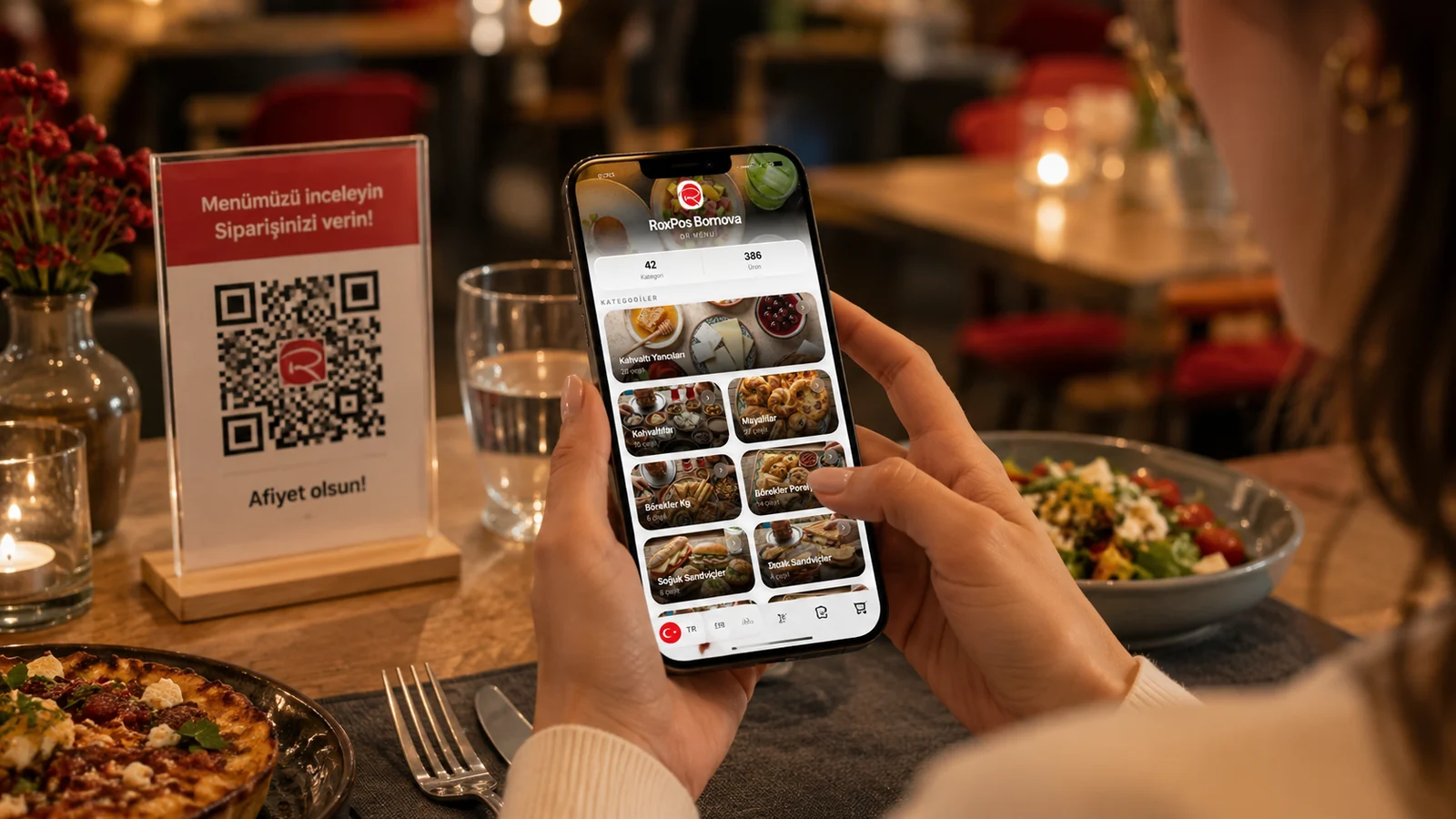
A QR menu is a digital menu that opens when a guest scans a QR code placed on the table in a restaurant, cafe or bar. With no app to install, guests browse your menu directly in the browser — categories, product photos, prices and allergen information. In this guide we explain what a QR menu is, how it works and what it brings to your business.
How Does a QR Menu Work?
- You create your menu digitally: categories, products, photos and prices.
- The system generates a unique QR code; you download it and place it on tables.
- The guest scans it with the phone camera; the menu opens in the browser with no app.
- When you update the menu, changes go live instantly; the QR code stays the same.
The Benefits of a QR Menu
- No printing cost: menu and price changes are free and instant.
- Multilingual presentation: a menu in the guest's own language.
- Hygiene and speed: contactless access, shorter waits.
- Allergens and ingredients: clear, current info on every item.
With ROXQR you can build a multilingual QR menu in minutes, download the QR code and place it on tables. Explore our QR menu solution or read the step-by-step setup guide.