Multilingual Menu
Guests view the menu in their own language (8 languages).
THE EASIEST WAY TO BUILD A QR MENU
Guests scan the QR code and see your menu instantly. No installation, no app to download.
No setup · No app · 8 languages · Ready in minutes
$80 yearlyHOW IT WORKS
Free, no card.
Items, photos, prices, allergens.
Place it on tables.
Changes apply instantly.
FEATURES
Guests view the menu in their own language (8 languages).
Every item shows an appetizing photo and an up-to-date price.
Ingredients, calories/protein/fat/carbs and prep time.
Show the 14 allergens with icons; guests choose with confidence.
Options like spicy or extra toppings — with an optional surcharge.
Highlight items with "New", "Chef's Pick" and "Popular" badges.
The guest adds to cart and sends the order to the table with one tap.
Call from the table with one tap; staff get notified.
Collect feedback with a short 1-5 rating survey after the order.
Scan the QR and the menu opens in the browser — no install or sign-up.
 Contactless Ordering
 Satisfaction Survey
 Waiter Call
CUSTOMIZATION
Logo, cover image, colors and company info from the panel — make the menu yours.
Your logo appears at the top of the menu.
A full-width cover image on the opening and category headers.
Menu colors from a ready palette or your own HEX code.
Show a campaign or announcement with a popup banner.
Phone, WhatsApp, address, map and social media links.
Download a general or per-table QR; export the price list as PDF.
NEW
Guests instantly spot vegetarian, vegan, gluten-free and halal items via badges on the menu.
Mark meat-free items with a green badge.
Highlight items with no animal products.
Celiac guests find gluten-free items at a glance.
Flag halal items with a badge to reassure guests.
EXAMPLES
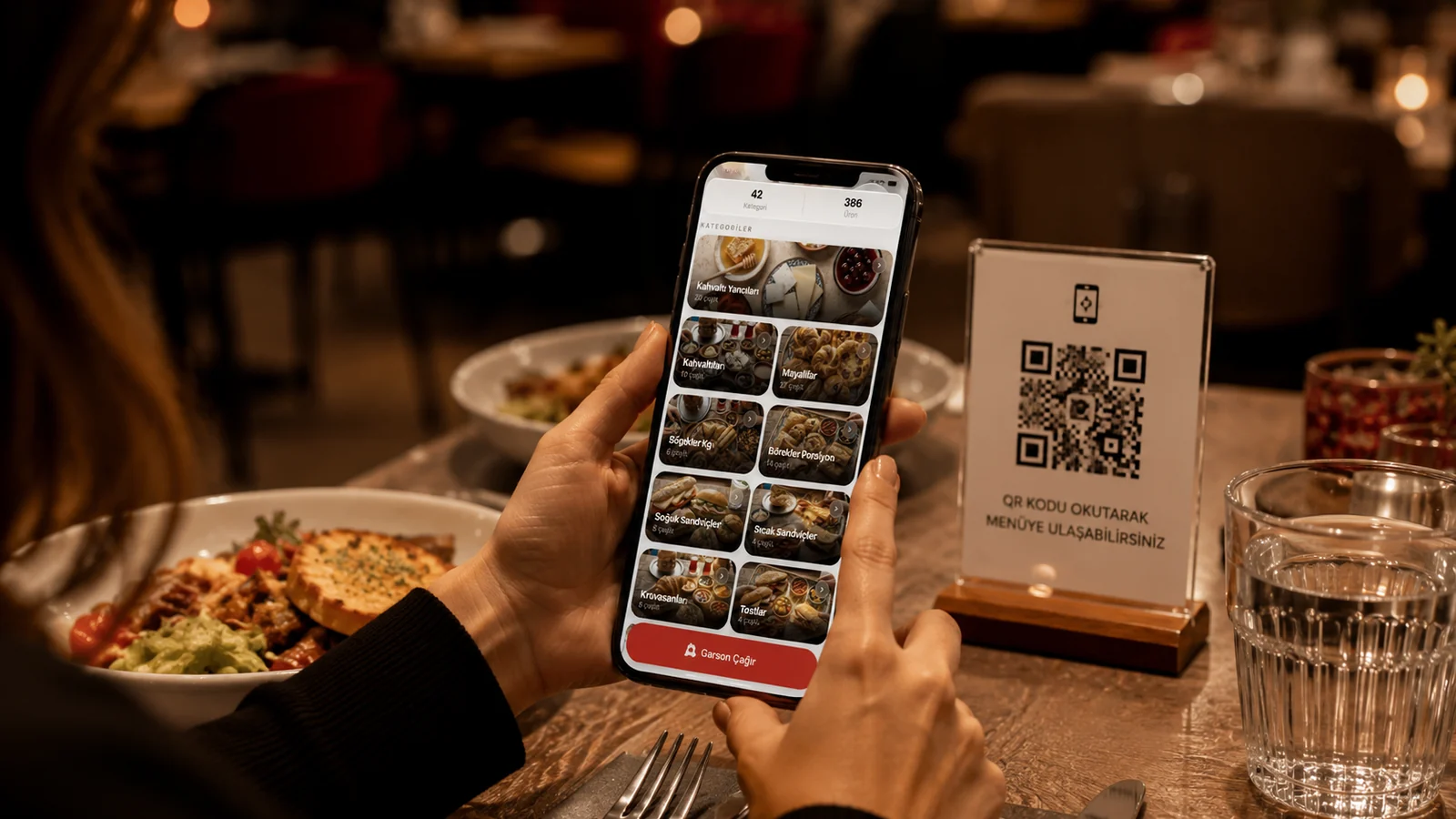
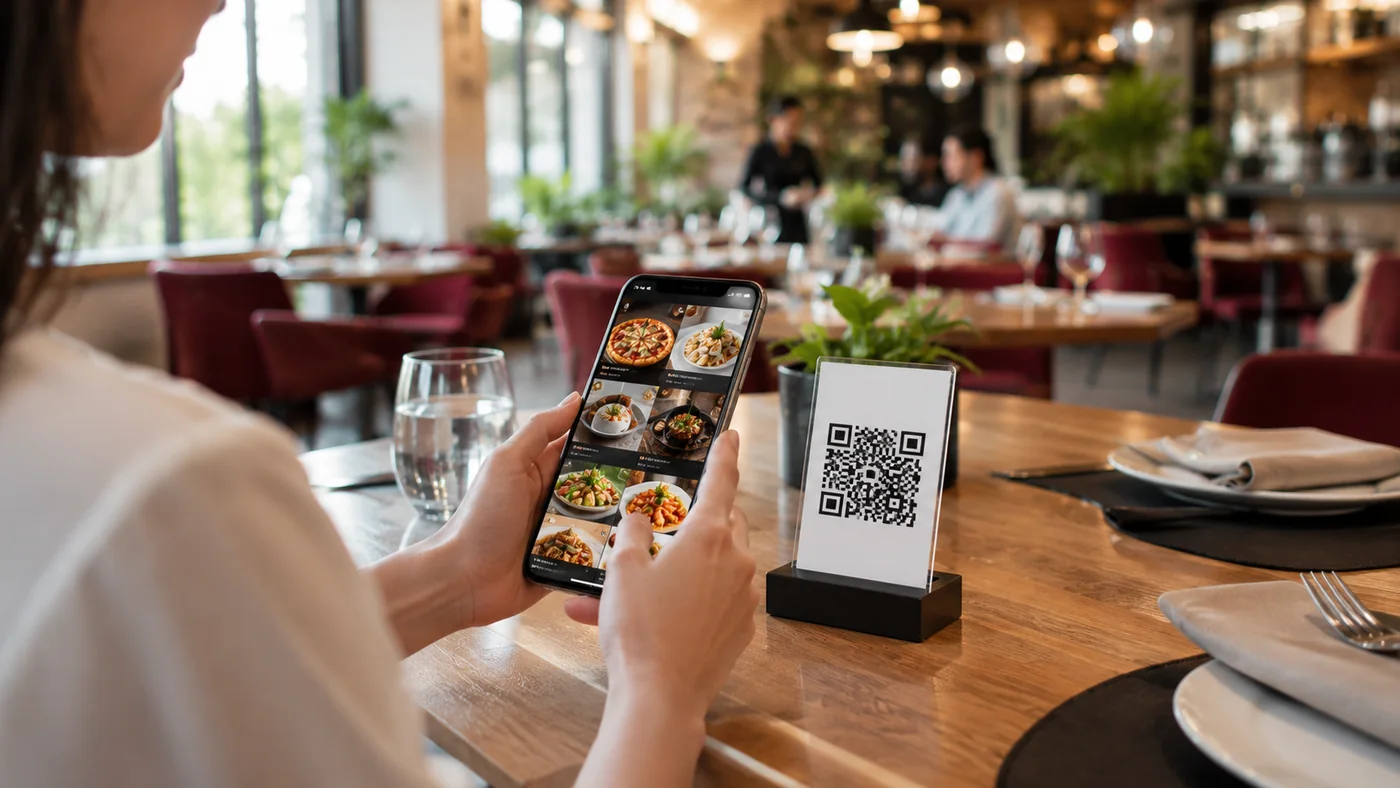
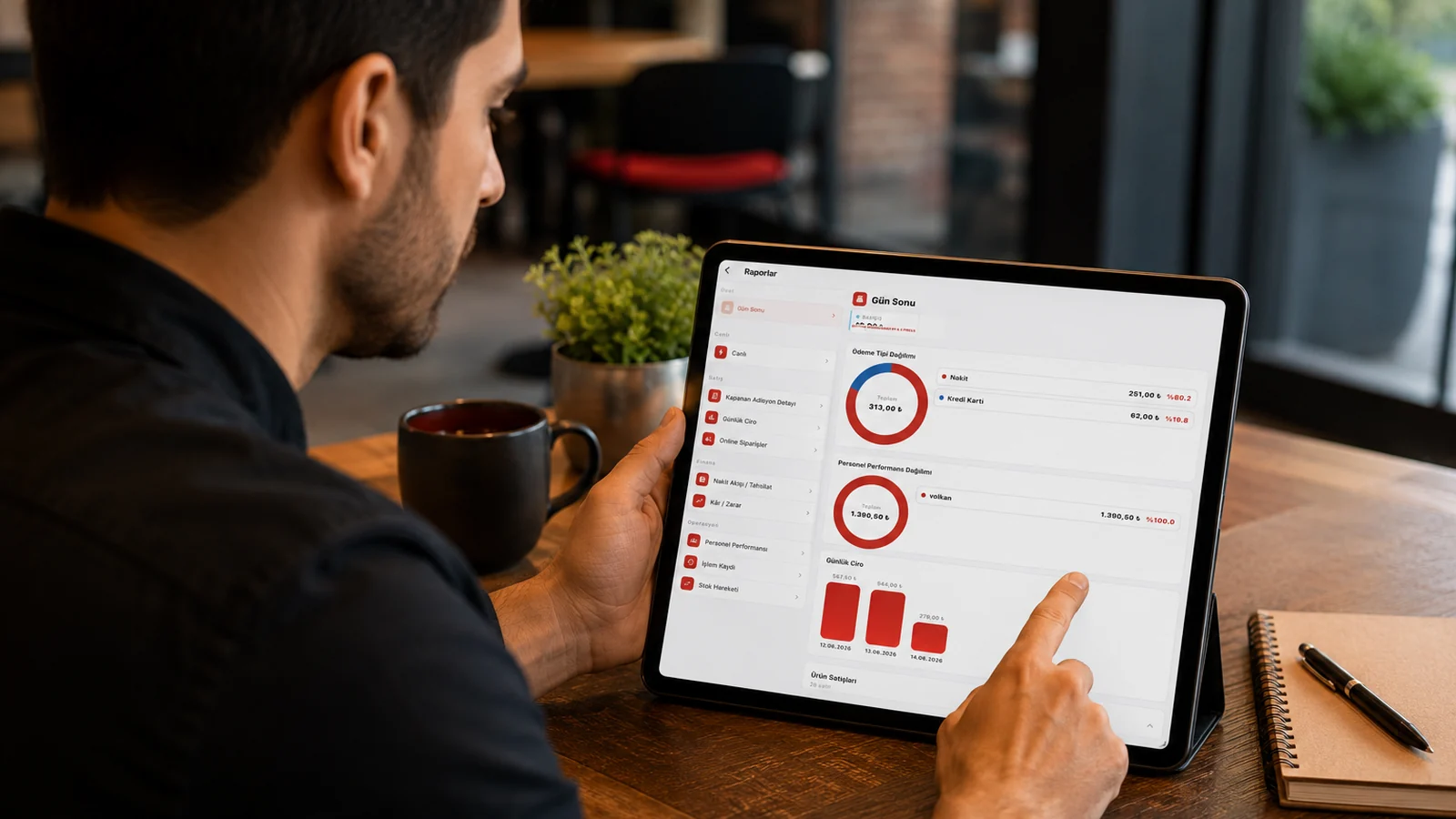
LIVE DEMO
Three real QR menus are ready. Scan a QR with your phone or tap "Open live menu" — the real menu opens.
INDUSTRIES
Keep ingredients, allergens and nutrition digital on your menu and update them instantly — easing your food-authority compliance processes.
PRICING
A QR menu solution — not restaurant automation. Best value with annual plans.
SSS · FAQ
Open a free account, add products, download the QR code and place it on tables. Live in minutes.
No. The QR menu opens in the browser; no app or sign-up.
No. Even when content changes, the QR stays the same — print it once.
Yes. Add allergen and ingredient info per item and present it digitally.
Try it free, no card. Then continue with affordable plans.
Yes, manage a separate menu and QR for each branch.
Create your QR code and start right away. No card required.