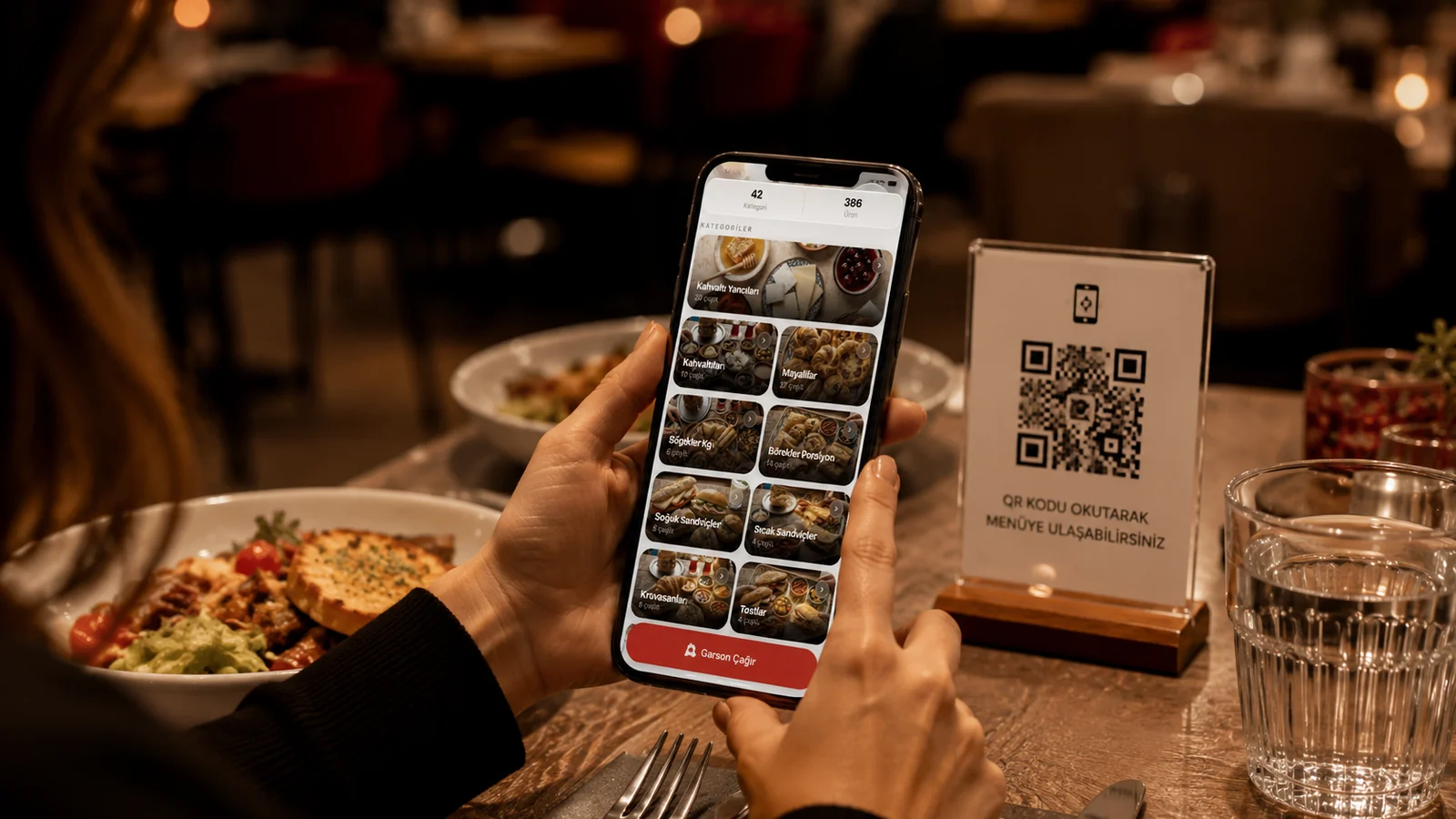
A digital menu is an electronic menu that shows your items on a phone screen, tablet or large display instead of printed paper, in a restaurant, cafe or bar. Guests see item names, photos, descriptions, prices and allergen information live; when you change the menu from your panel, the update appears instantly. In this guide we explain what a digital menu is, what types exist, how it works and what it brings to your business.
Types of Digital Menu
- QR menu: the most common type, opened by scanning a QR code on the table with a phone.
- Display menu (digital signage): a rotating product and promo list on a counter or wall screen.
- Web/online menu: a link-based menu reached from your website or Google profile.
How Does a Digital Menu Work?
- You enter your menu into a panel: categories, products, photos, prices and allergen labels.
- The system hosts the menu online and generates a link and a QR code for it.
- The guest scans the code or taps the link and opens the menu in the browser with no app to install.
- When you change an item, update a price or run out of stock, the menu updates instantly — no reprinting needed.
The Benefits of a Digital Menu
- Instant updates: price, product and promo changes go live in seconds, with no printing cost.
- Multilingual presentation: tourists and foreign guests read the menu in their own language, reducing confusion.
- Visual, descriptive presentation: high-resolution photos and ingredient details make ordering easier.
- Allergen and ingredient transparency: clear, current allergen labels on every item build guest trust.
- Hygiene and speed: contactless access means a cleaner experience and shorter waits.
Are a Digital Menu and a QR Menu the Same?
A digital menu is a broad term covering any menu delivered electronically; a QR menu is its most practical form, reached via a QR code. So every QR menu is a digital menu, but a digital menu can also appear as screen signage or a web link. For most restaurants and cafes the fastest start is placing a QR code on the table: no app, no device and no installation, in minutes.
With ROXQR you can build a multilingual, allergen-labelled digital menu in minutes, download the QR code and place it on tables — no app, no installation, and you can try it free. Learn more about our digital menu solution.