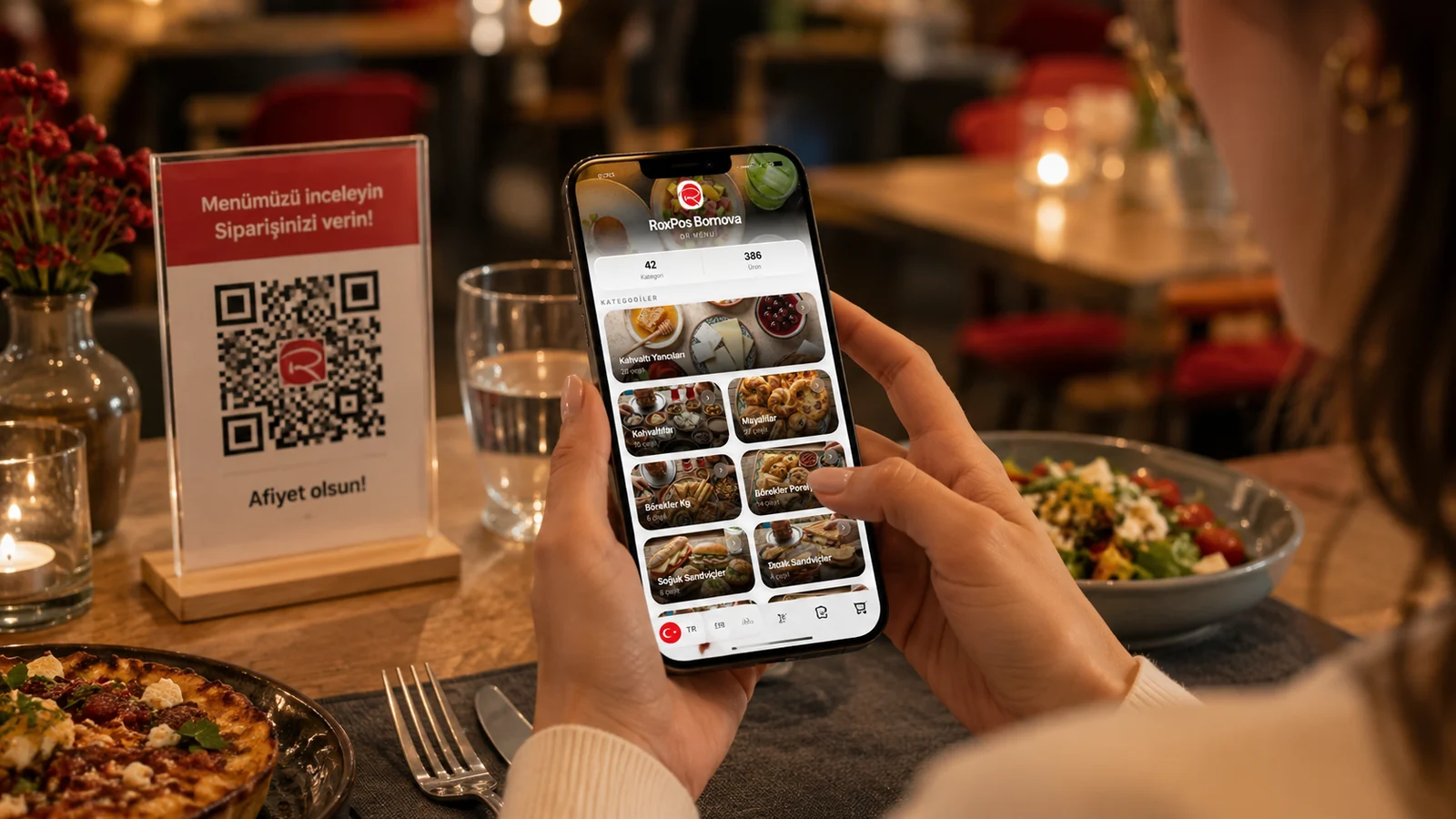
Printed menus have been a restaurant staple for years, but every price change means a fresh print run, worn-out cards and items you can't update. Going digital removes that burden: a menu you edit in one place opens instantly on the guest's phone when they scan the QR code on the table. This guide shows you how to move from a printed menu to a digital one calmly, step by step.
The Limits of a Printed Menu
- Every update means a reprint: a sold-out item or a price change keeps sending you back to the printer.
- Wear and loss: cards get stained and torn; every replacement is extra cost.
- Language barrier: a printed menu can only offer one language to a tourist guest.
- Missing detail: photos, allergens and ingredient info barely fit on paper.
A Step-by-Step Roadmap for the Switch
- Gather your current menu: collect every category, product, description and price into one up-to-date list.
- Prepare photos and content: shoot clear images for your best-sellers and add allergen and ingredient notes.
- Move the menu into the system: add categories and products one by one, or bulk-import them from Excel.
- Turn on languages: publish the menu in several languages for your audience; guests pick their own.
- Go live with the QR code: download the generated QR and place it on tables, the window and a menu stand.
Common Mistakes During the Switch
The most common mistake is removing the printed menu overnight. For the first few weeks, offer the digital menu alongside the printed one; as guests get used to the QR code, phase the paper out gradually. The second mistake is leaving descriptions empty: the real power of a digital menu is showing the photos, allergens and ingredient details that never fit on paper. Finally, don't put the QR only on the table — add it to the entrance, the window and the receipt to catch guests who check the menu before arriving.
How ROXQR Makes the Switch Easy
With ROXQR you build your digital menu in minutes — no app to install, no setup hassle: add categories, upload product photos, tag allergens and publish in several languages. The system generates a unique QR code; you place it on the tables, and every change you make goes live on the guest's phone instantly. Start with a free trial that needs no card and complete the switch when you're ready. See our digital menu solution for all the details.