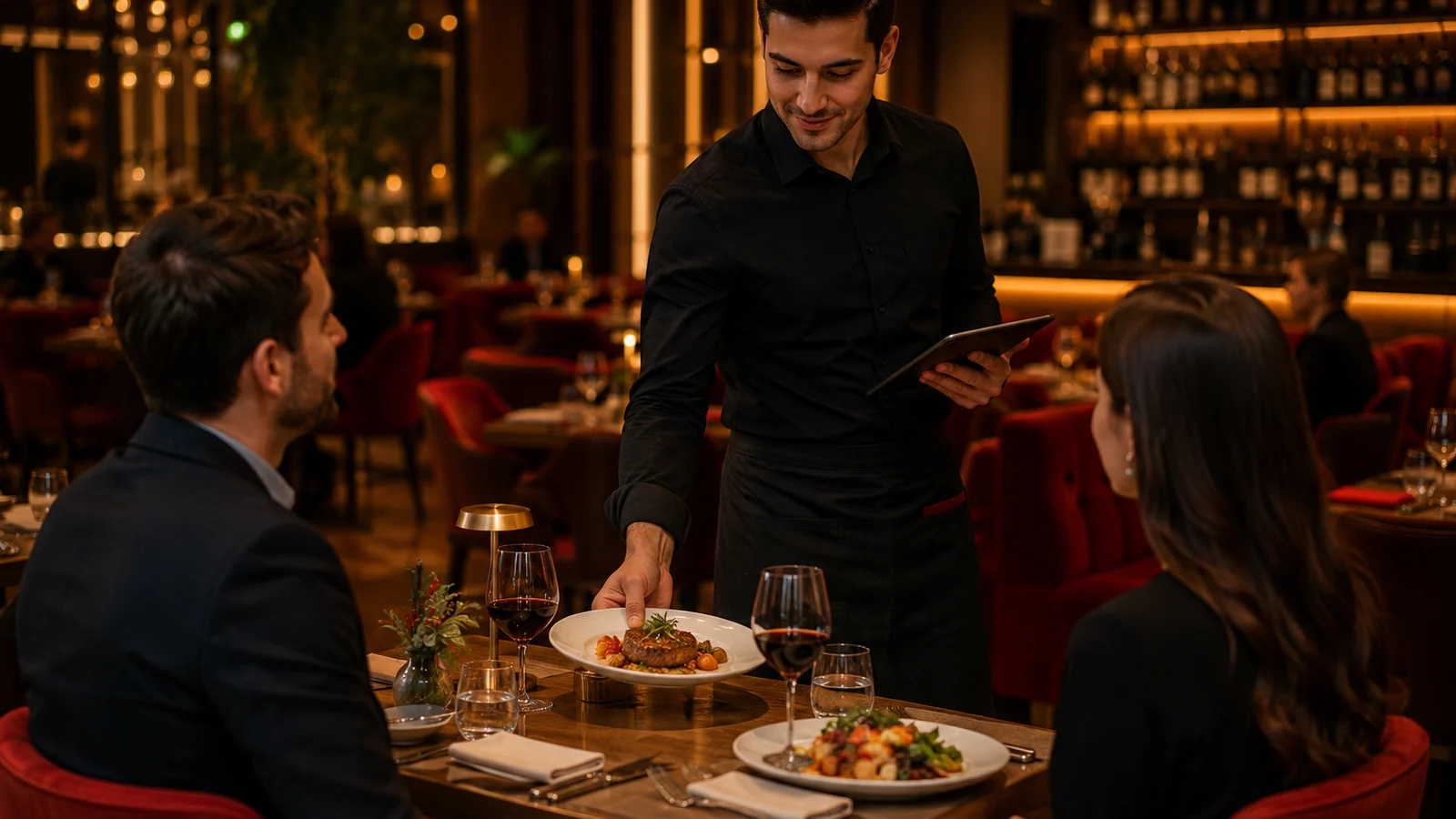
In a restaurant, the menu shapes the guest's very first decision. Printed menus wear out, get reprinted on every price change and often stay single-language for tourists. A QR menu removes these problems: a guest who scans a code on the table sees your menu in the browser with no app to install. This guide walks a restaurant through switching to a QR menu, structuring the menu and what to watch for in daily operations.
Why Restaurants Switch to a QR Menu
- Instant updates: hide a sold-out dish or change a price in one click — no reprinting.
- Multiple languages: in tourist areas the menu opens in the guest's own language.
- Visual selling: highlight high-margin dishes with photos and grow the average check.
- Allergen transparency: clear allergen labels on every item build trust and aid compliance.
- No printing cost: with a digital menu, print expenses disappear.
Structuring the Restaurant Menu: Categories and Order
A good QR menu is not a digital copy of the printed one; it is designed around how people skim. Order categories along the guest's ordering flow: starters, mains, grills, desserts and drinks. Put your bestsellers and most profitable items at the top of each category, because what shows first on a phone gets the most taps. Give every item a short but appetizing description, a clear price and, where possible, a good photo. Marking details like portion, spiciness or vegetarian with labels speeds up the decision.
Setup in Minutes: 5 Steps
- Open a free account and set up your restaurant; currency and language follow your country automatically.
- Add categories and items; most menus can be bulk-imported from Excel.
- Fill in photos, descriptions and allergen labels; enable the languages you want.
- Download the QR code; place it on tables, a stand or the storefront.
- Go live; future updates apply instantly with no need to reprint the QR.
What to Watch for in Operations
Once the QR menu is live, a few practical points shape the experience. Place the code somewhere visible and readable on the table; codes printed too small are hard to scan. Sharing the Wi-Fi password or menu link on the table card reassures guests where coverage is weak. Update the menu regularly: add new items each season and hide what runs out. With ROXQR you can prepare a multilingual, allergen-labelled restaurant QR menu in minutes — see our restaurant QR menu solution for details. No app or installation is required, and you can try it free.