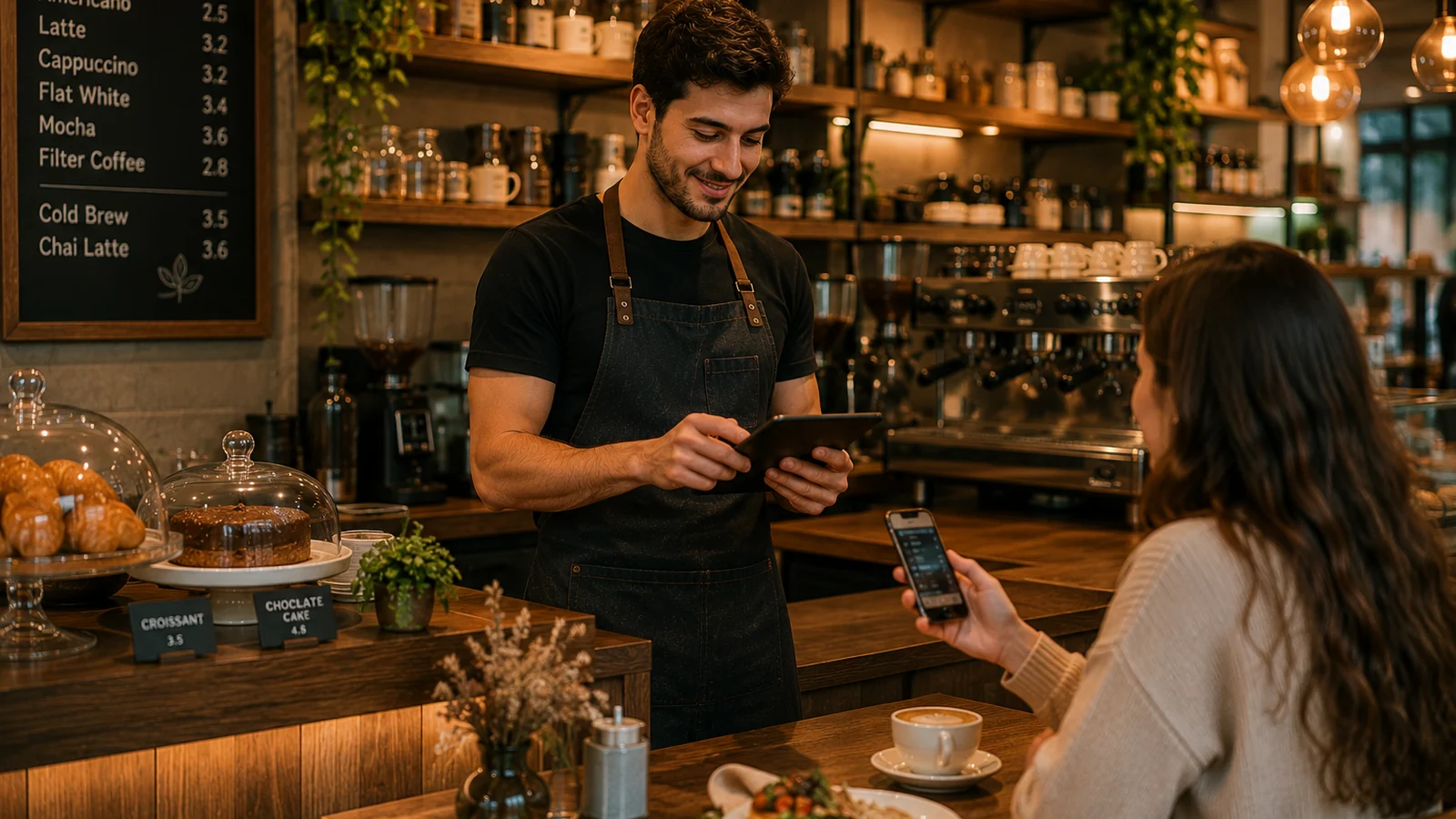
In running a cafe, the menu is one of the first things a guest sees; how fresh the drinks and how tempting the pastries look directly affects sales. Printed menus, however, go stale fast against changing prices, seasonal items and sold-out coffees. A QR menu system solves exactly this: a guest who scans the code on the table sees your up-to-date cafe menu right in the phone browser, with no app to install. In this guide we walk through how to set up a QR menu system for a cafe from scratch.
Why a QR Menu Makes Sense for Cafes
- Frequently changing menu: update the coffee of the day, seasonal treats and sold-out items instantly, with no reprinting.
- Fast turnover: guests see the menu the moment they sit, without waiting for a server; tables turn faster.
- Tourist traffic: with a multilingual menu, foreign guests choose drinks and desserts in their own language.
- Allergen transparency: clearly show allergens like milk, nuts and gluten on every item; fewer questions, more trust.
Steps to Set Up a Cafe QR Menu System
- Structure your menu: create clear categories like hot drinks, cold drinks, desserts and snacks.
- Add the items: for each drink and dessert enter a name, description, price, a good photo and any allergens.
- Choose the languages: publish the menu in several languages based on your cafe's guest profile.
- Generate and place the QR code: download the QR the system creates and put it on table cards, the counter or the window.
- Test and go live: scan it with your own phone to check; if everything is correct, the menu is live.
How ROXQR Makes the Cafe QR Menu Easy
With ROXQR you can set up a multilingual, allergen-ready QR menu for a cafe in minutes: no app to download, no installation and no coding needed. You edit the menu in the panel, download the QR code and place it on tables; when you change a price or item, the update goes live instantly while the code stays the same. You can even start with a free trial and test your cafe's digital menu on your real tables. For details and to get started, explore our cafe QR menu solution.