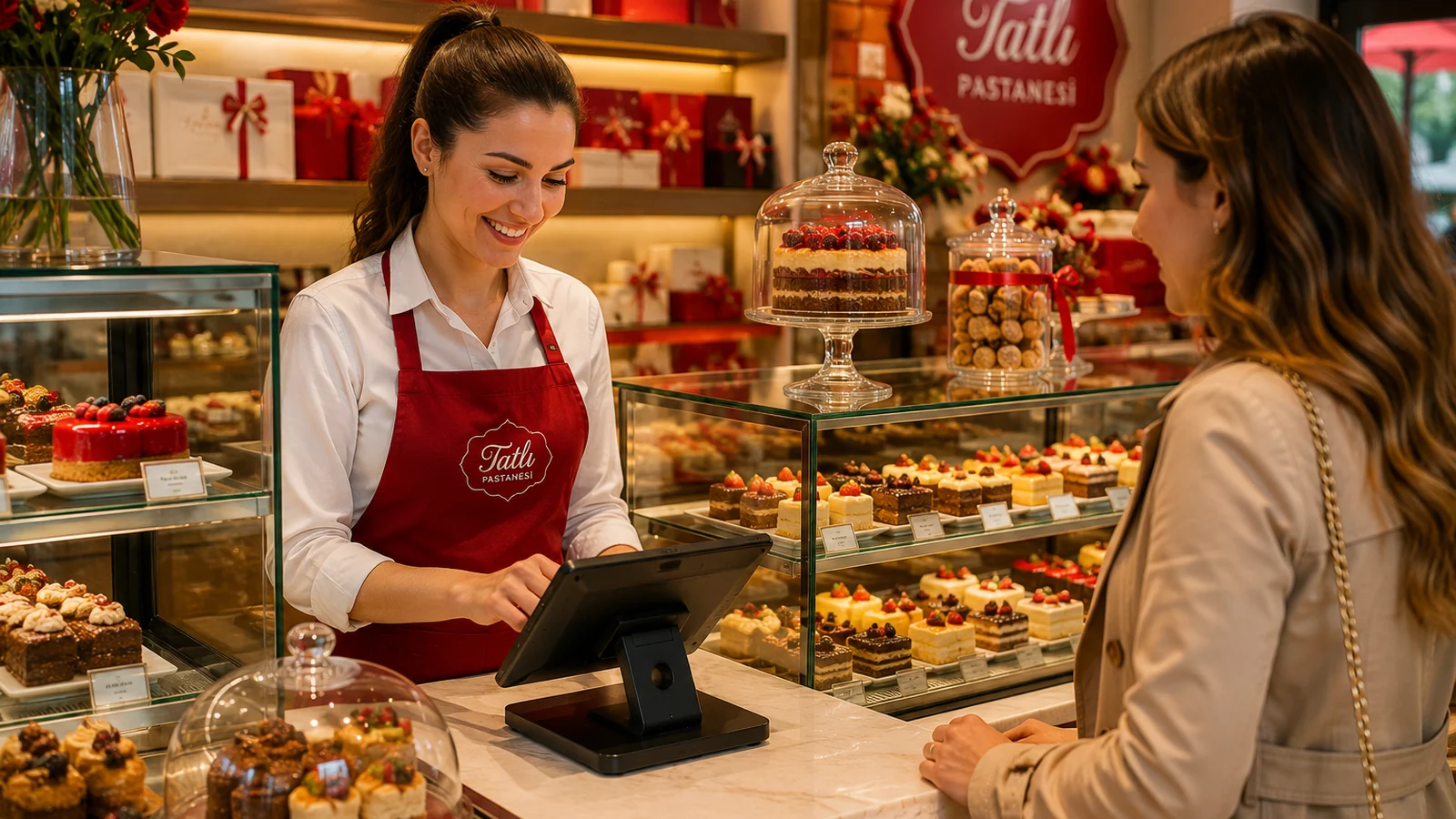
For bakeries and patisseries, the first contact with a customer is usually the display case: trays fill up, items sell out, prices shift with the season. A printed menu can't keep up with this; labels go stale and sold-out items linger on the list. A QR menu solves this by bringing your display case to the phone screen. The customer scans a QR code on the table or counter and sees fresh items, prices and allergen information in the browser — no app to install. In this guide we walk through why and how to set up a QR menu for your bakery, step by step.
Why a QR Menu Works for Bakeries
- Highlight fresh items instantly: the bread of the day, a hot pastry or a new cake appears on the menu in seconds.
- Hide a sold-out item with one tap; customers don't order what isn't there, avoiding disappointment.
- Show allergens clearly: gluten, egg, milk and nut information is critical for bakery products.
- Serve a mix of tourists and locals with a multilingual menu; everyone reads in their own language.
Steps to Set Up Your Bakery QR Menu
- Group products like your display case: Breads, Savory pastries, Cakes, Desserts, Coffee and drinks.
- Add an appetizing photo, a short description and the current price to each item; mark the allergen tags.
- Choose the menu languages and use automatic translation if needed; tourists read in their own language.
- Download the generated QR code; place it as a durable stand on the counter, tables and beside the display case.
- Keep the menu current through the day: hide sold-out items, feature fresh ones; the QR code stays the same.
Display-Case Photos and Presentation Tips
Bakery products sell with the eyes: the layers of a flaky croissant or the fruit on a cake, photographed well, instantly sway the order decision. Shoot every item in daylight, on a plain background and from the same angle; a consistent look across the menu builds trust. Write prices clearly, add portion or weight details and flag items served warm. For tidier shots, while using our QR menu solution, follow the lighting and composition tips in our menu-photography guide.
Get Started in Minutes with ROXQR
With ROXQR you can build a multilingual QR menu for your bakery in minutes, add allergen tags and download the QR code to place on the counter. There's no app to install and no technical know-how needed; menu updates go live instantly and the QR code stays fixed. Start with a free trial and bring your display case to the phone. For tips tailored to your sector, explore our cafe and bakery QR menu solution.