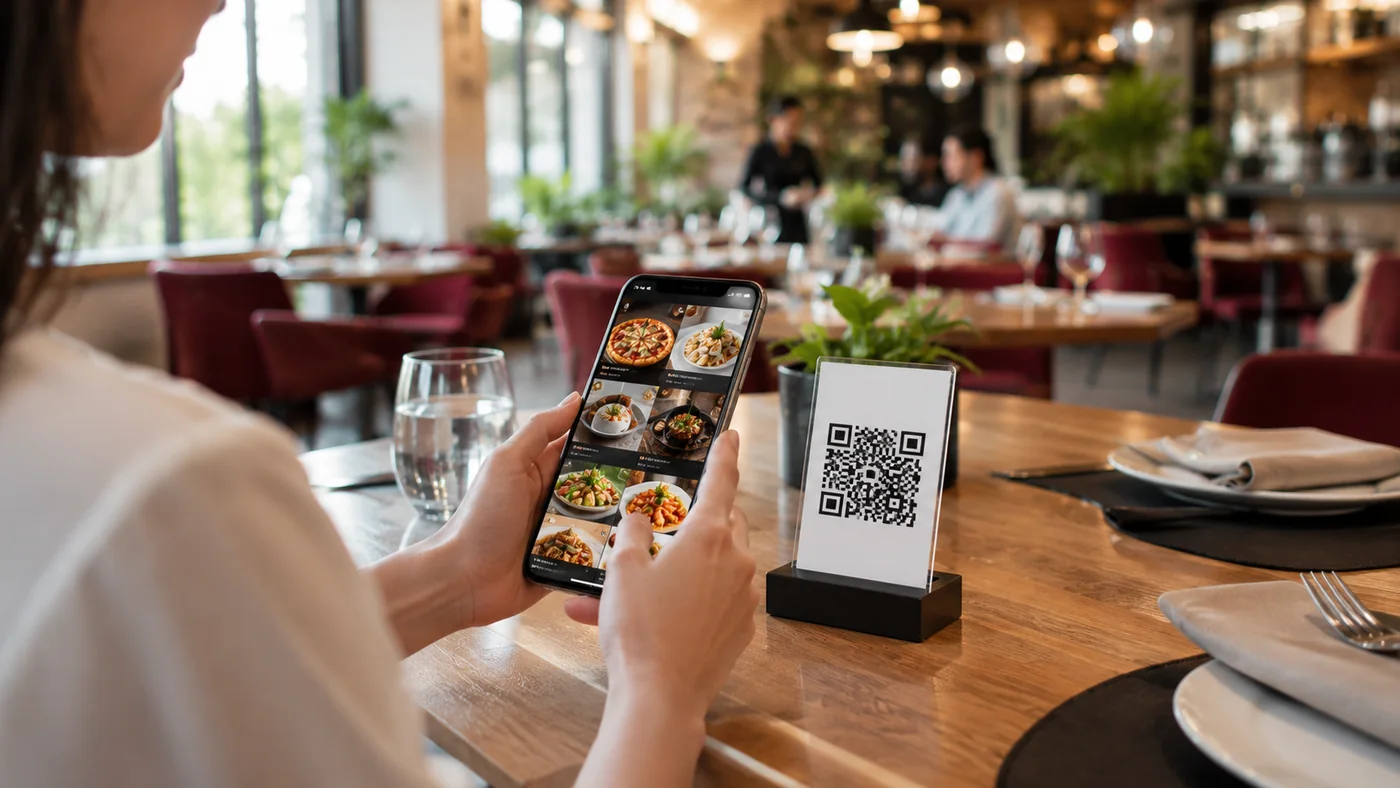
A good QR menu is more than a digital copy of your printed card; designed well, it drives sales, speeds up the guest experience and reflects your brand. So what does a strong digital menu look like? In this guide we've gathered inspiring QR menu examples for different types of venues and the traits they all share. The goal isn't to copy templates, but to give you ideas that work when you build your own menu.
QR Menu Examples by Venue Type
Every venue has different priorities, so a good QR menu shifts which elements it highlights depending on the context. Below are approaches that work for common types of venues.
- Cafes and coffee shops: large product photos, a hot/cold split and options such as milk or syrup up front.
- Restaurants: clear pricing per category, allergen labels and a dedicated section for the daily special.
- Bars and nightspots: dark colors, a cocktail list and seasonal specials; readability in low light matters.
- Hotels and room service: a multilingual menu, room-service hours and notes like a service charge clearly shown.
- Fast-casual and self-service: short categories, combo suggestions and clean visuals for quick choices.
What Good QR Menu Examples Have in Common
Whatever the venue, successful QR menus meet on a few core principles. These aren't trends; they're practices that smooth the path from the moment a guest opens the menu to the decision to order.
- Clear hierarchy: items grouped into logical categories with prices always visible.
- Quality visuals: real, appetizing photos on your best-selling items.
- Multilingual support: tourists can read the menu in their own language.
- Allergen and ingredient info: clear, up-to-date notes on every item.
- Speed and simplicity: no app download, no sign-up, a clean design that loads fast.
Build Your Own QR Menu with ROXQR
You don't need to hire a designer from scratch to bring the strengths of these examples into your own menu. With ROXQR you add your categories, enter product photos and allergen labels, publish the menu in four languages and download the QR code to place on tables — all in minutes and with no app to install. When you're ready, explore our QR menu solution and start your free trial.