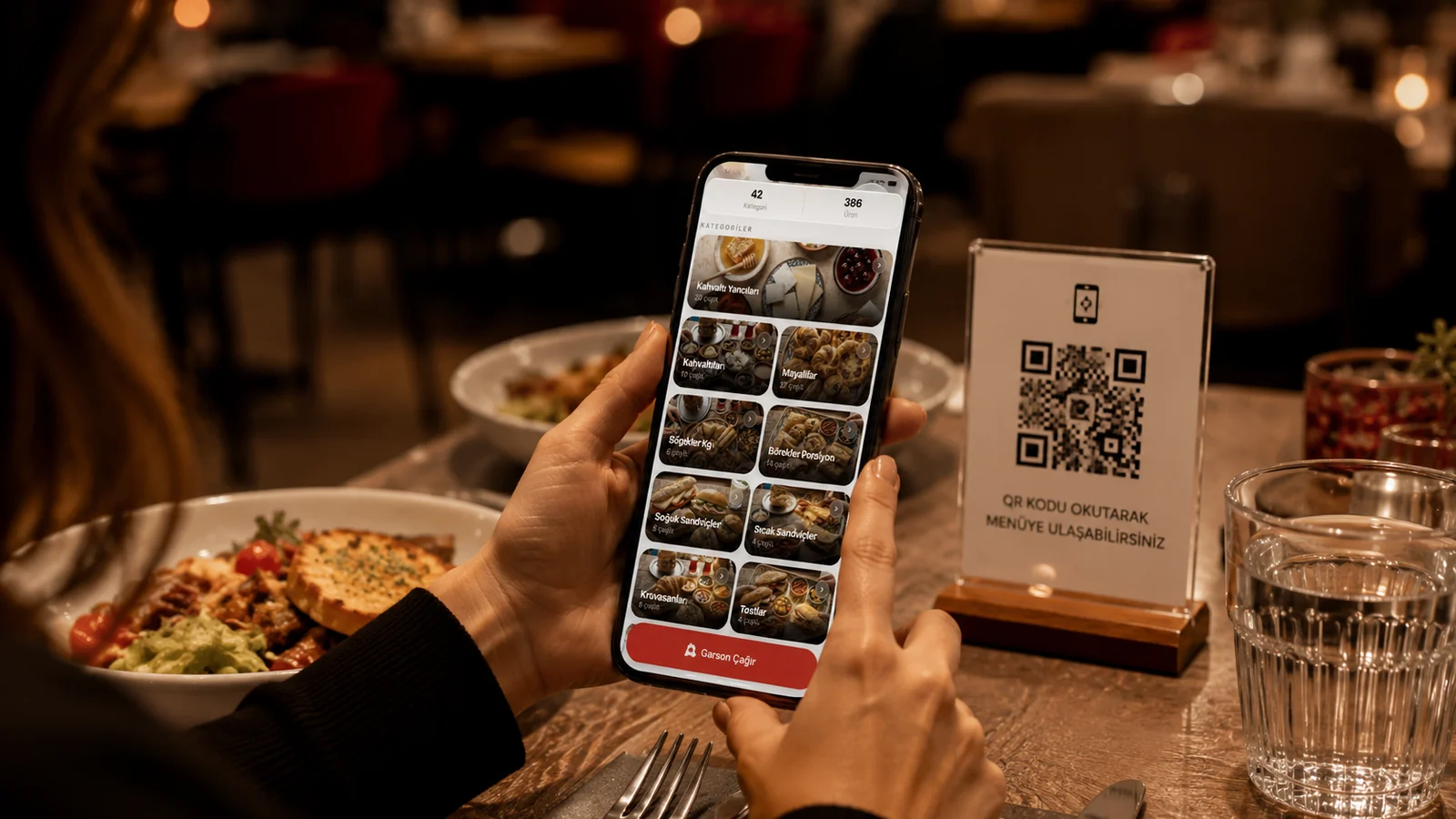
A well-designed menu is not just a list of dishes; it is a sales tool that quietly steers where your guest looks, what they order and how much they ultimately spend. When the right category order, a readable layout, appetizing photos and smart pricing come together, your menu works like your best server. In this guide we gathered proven, ready-to-use menu design tips for restaurant and cafe owners.
Layout and Visual Hierarchy
A guest scans a menu in seconds, so place your most profitable or signature items where the eye lands first. A crowded, cramped page makes deciding harder; generous spacing and clear headings make it easy to read. Instead of offering too many options per category, a short, carefully chosen list eases both your kitchen and the guest's decision.
Photos and Descriptions Trigger Appetite
People eat with their eyes first. A sharp, well-lit photo turns a dish from an abstract name into a real craving. But rather than a photo on every item, it is more effective to highlight a few of your strongest shots; too many photos clutter the menu. In descriptions, name the ingredient, cooking method and texture in short sensory phrases: words like "wood-fired", "hand-rolled" or "freshly made daily" trigger appetite directly.
Pricing Psychology
- Write prices plainly, without a heavy currency symbol; long price columns push guests to comparison-shop.
- Place the price right after the description, not in a separate column, so the eye sees the dish before the price.
- Add one higher-priced "anchor" item to a category; the others nearby then look more reasonable by comparison.
- Prefer round, honest figures; fake ".99" endings can undermine a quality, fine-dining feel.
Keep the Design Alive with a Digital Menu
On a printed menu every change means redesign and printing costs, so businesses often stay stuck with old, worn menus. A digital QR menu keeps the design fresh at all times: you can highlight seasonal items, hide a sold-out dish in seconds, or update a photo or description. With ROXQR you can build a multilingual menu with allergen info that opens without any app, in minutes, and try it free. Explore our QR menu solution to learn more.