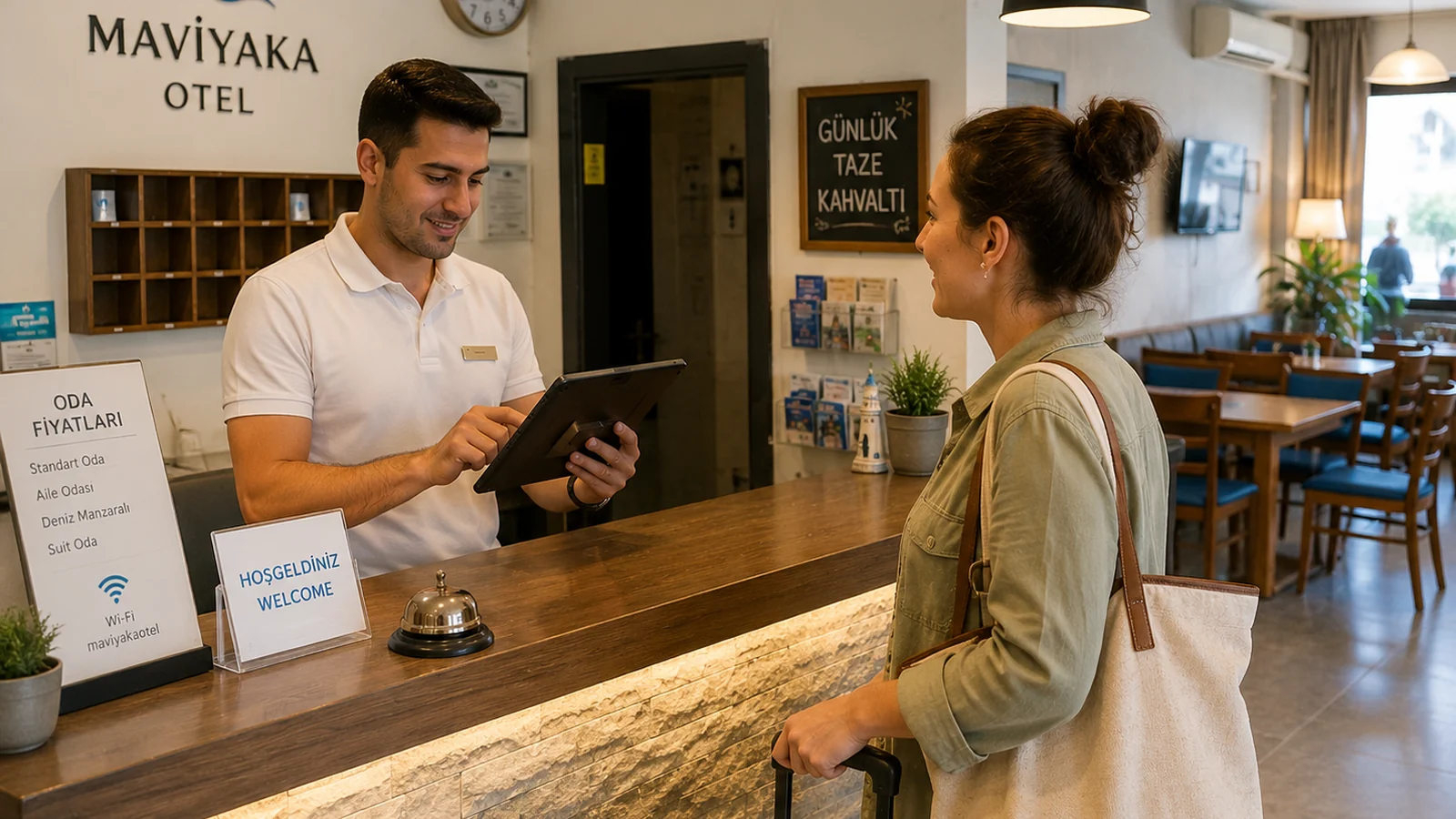
In a hotel the guest experience doesn't end at the room: the restaurant, lobby bar, poolside, spa cafe and especially room service run around the clock. Keeping all of these printed, multilingual and always up to date is hard. A QR menu brings every food-and-beverage point into one digital menu; guests scan a QR code and see the menu in their own language, with no app to install. This guide explains how to set up a QR menu and room service for hotels and what it brings to your business.
Where Is a QR Menu Used in a Hotel?
- Room service: a QR code in the room opens the menu 24/7; even late at night the guest sees ordering info in their language.
- Hotel restaurant and breakfast hall: à la carte and buffet content via the table QR code.
- Lobby bar and poolside: cocktail, coffee and snack lists as separate menus.
- Spa and wellness cafe: a separate QR for detox drinks and light menus.
Setting Up a Hotel QR Menu Step by Step
- List your F&B points: room service, restaurant, lobby bar, pool, spa. Create a separate menu for each.
- Add items digitally with categories, photos, prices and allergen information.
- Open the menu in languages that match your guests: English, German, Russian and more with one click.
- Download a separate QR code per point: place it in rooms, on tables, at the bar and on poolside loungers.
- Update the menu when a price or item changes; changes go live instantly and the QR codes stay the same.
Benefits of a QR Menu for Room Service
In room service a printed menu ages fast; when a price changes you have to collect papers from every room. With a QR menu one change reflects in all rooms instantly. The guest reviews a photo menu in their own language without calling reception; allergen info is clear on every item, building trust with international guests. It is also contactless and hygienic. With ROXQR you can digitize your room service and every F&B point in minutes and publish it multilingually; see our QR menu solution for hotels. There is no app or installation, and you can try it free.
Multilingual presentation is not a nice-to-have in hospitality — it's decisive. Showing the same menu in whatever language the guest's phone uses reduces order errors and raises satisfaction, especially with international guests. Because QR codes don't change once printed, you reuse the same material all season and save on printing.