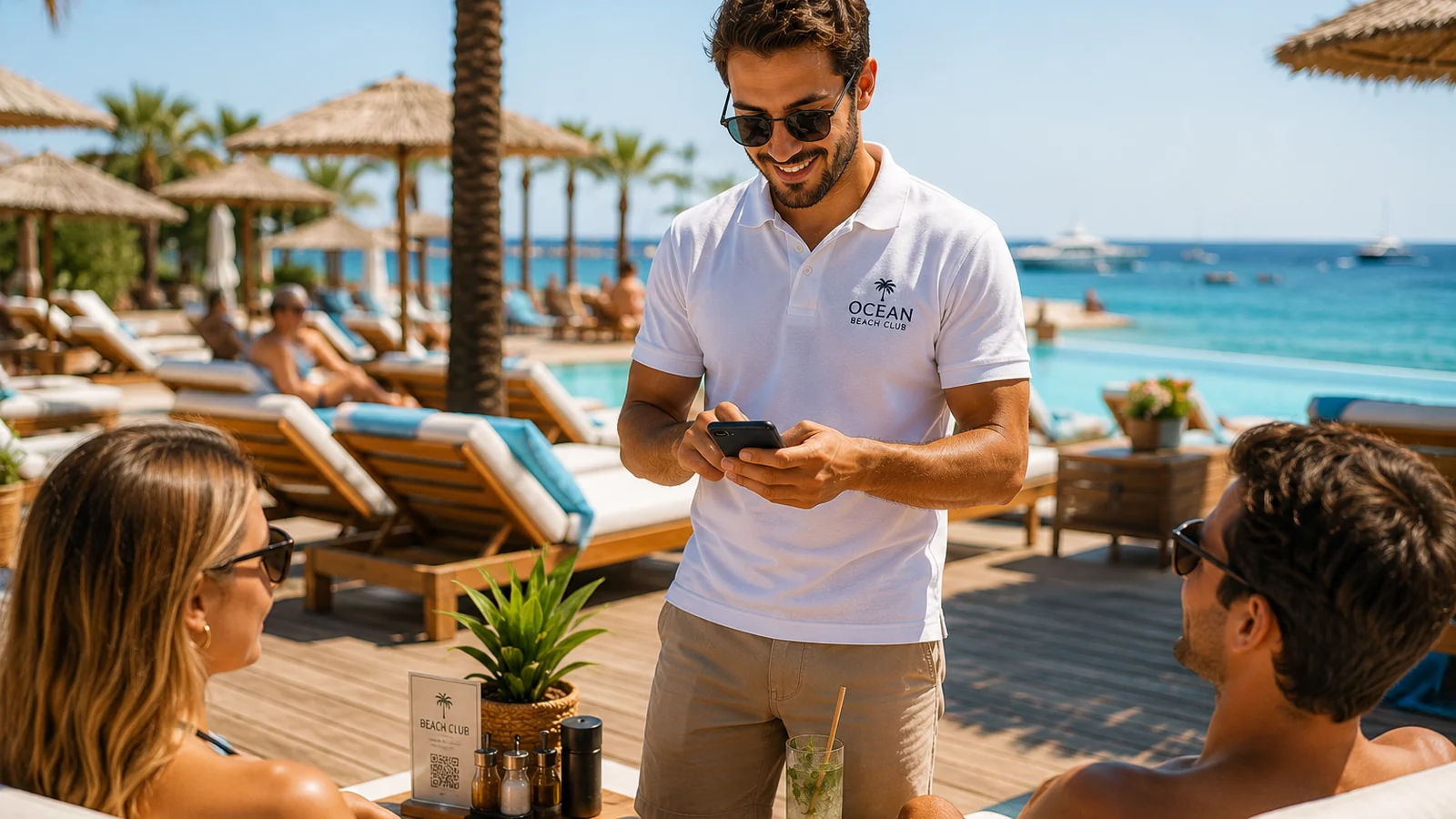
Service at a beach club works very differently from a classic restaurant: guests are scattered across sunbeds, the poolside and tables right by the sea; staff cover long distances, and reaching everyone at once during peak hours is nearly impossible. This is exactly where a QR menu helps. With a QR code on the table, the sunbed arm or a poolside sign, guests open the menu on their phone without getting up — browsing categories, photos and prices. In this guide we explain why and how to set up a QR menu for a beach club.
Why Does a QR Menu Make Sense for Beach Clubs?
- Spread-out space, shorter service: guests open the menu without leaving the sunbed and decide before staff arrive.
- Multilingual guests: in tourist-heavy locations the menu opens in the guest's own language.
- Seasonal changes: update a cocktail, a seasonal fruit or an out-of-stock item in seconds; no reprinting.
- Hygiene and durability: no printed menu worn out by wet hands, sea salt and sun; the QR code stays clean and contactless.
- Allergen transparency: ingredient and allergen info for cocktails, seafood and snacks is clear on every item.
Setting Up a Beach Club QR Menu Step by Step
- Split the menu into sections: create clear categories such as cocktails, cold drinks, snacks, mains and desserts.
- Add photos and prices: upload appetizing images of cocktails and plates, and enter prices in your configured currency.
- Set languages and allergens: offer the menu in the languages your guests use, and tag allergens on each item.
- Generate and place the QR code: download it and place it on sunbed arms, poolside signs and tabletops.
- Keep it current all season: hide sold-out items and add new cocktails; changes go live instantly and the QR stays the same.
How ROXQR Helps Beach Clubs
With ROXQR you can build a multilingual beach club menu in minutes and, with no app or installation, download the QR code and place it on sunbeds and around the pool. You can try it free and keep your menu live with allergen tags and seasonal updates. For sector-specific details, explore our beach club QR menu solution.