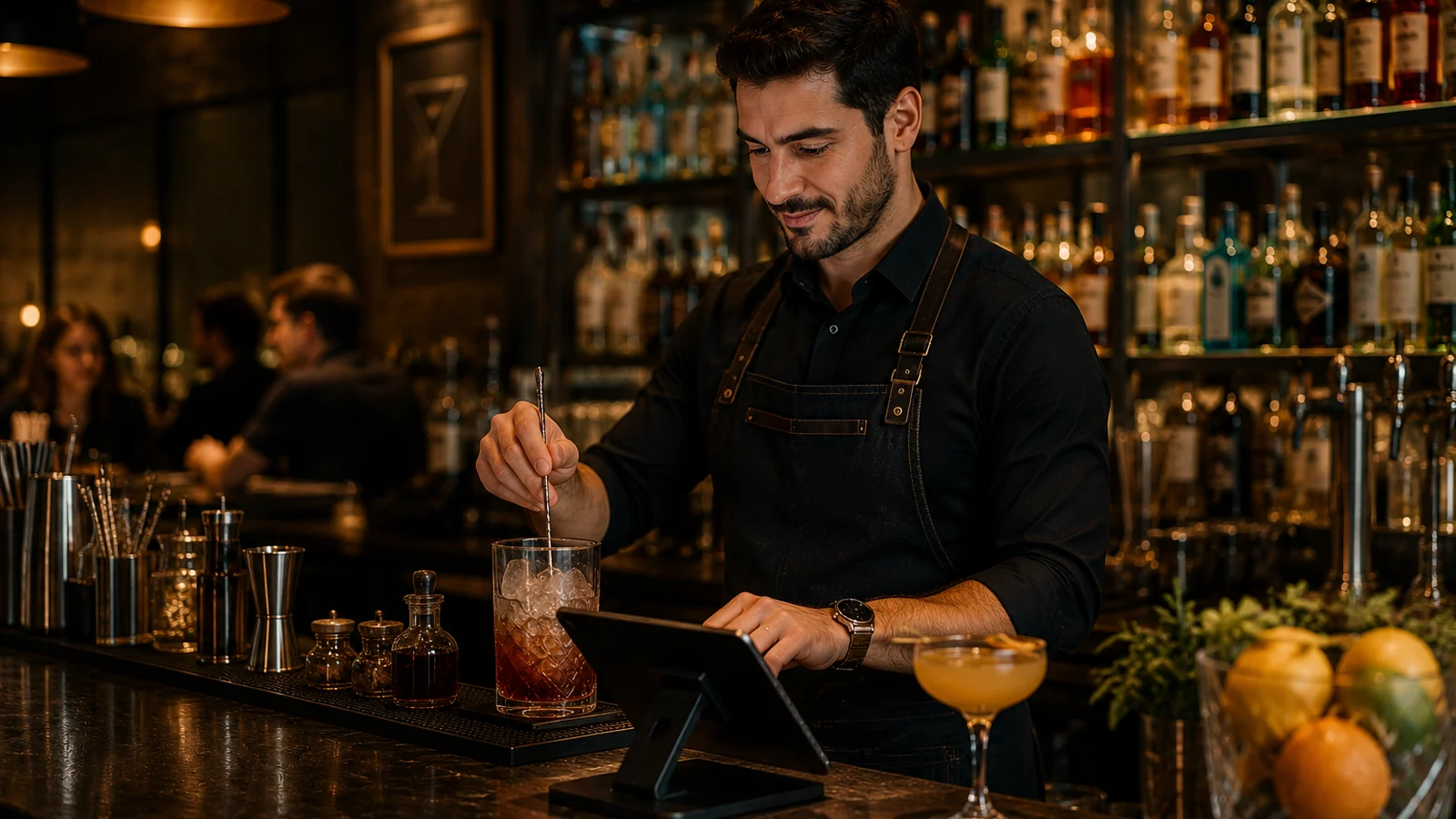
In running a bar, the menu sits at the heart of the experience. Cocktail recipes, seasonal drinks, beers and snacks change often, while printed menus are both costly and quickly out of date. A QR menu solves exactly this: a guest scans a QR code on the table and sees the drinks list on their phone instantly. This guide explains why a QR menu works for bars and how to set one up in minutes.
What a Bar Needs From a QR Menu
A bar floor is different from an ordinary dining room: the light is low, tables are small, guests turn over fast and the drinks list can change within a single day. A good QR menu must fit these conditions. The points below sum up what a bar genuinely needs from a digital menu.
- Readability in low light: dark colors, high contrast and large tap areas.
- Instant updates: hiding a sold-out cocktail or adding a seasonal drink takes seconds.
- Multilingual presentation: in tourist-heavy bars guests see the drinks list in their own language.
- Allergen and ingredient info: cocktail contents, alcohol level and snack allergens are clearly shown.
- Fast access: no app to install, no sign-up, it opens straight in the browser.
Setting Up Your Bar QR Menu Step by Step
- Split your drinks list into categories: cocktails, beers, wines, soft drinks and snacks.
- For each drink add a name, short description, price and, where possible, a photo; list the cocktail's contents.
- Translate the menu into other languages; with ROXQR you enable multilingual presentation from one panel.
- Download the generated QR code and place it on table cards, the bar counter and the entrance.
- Through the night, hide sold-out items and add the seasonal cocktail; changes go live instantly.
How ROXQR Helps Bars
With ROXQR you can build a bar-specific, low-light-readable and multilingual QR drinks menu in minutes and offer it to guests with no app or installation. Hiding sold-out cocktails, adding seasonal drinks and writing allergen info all happen in one panel; changes go live instantly and the QR code stays the same. See our QR menu solution for bars and try it free.