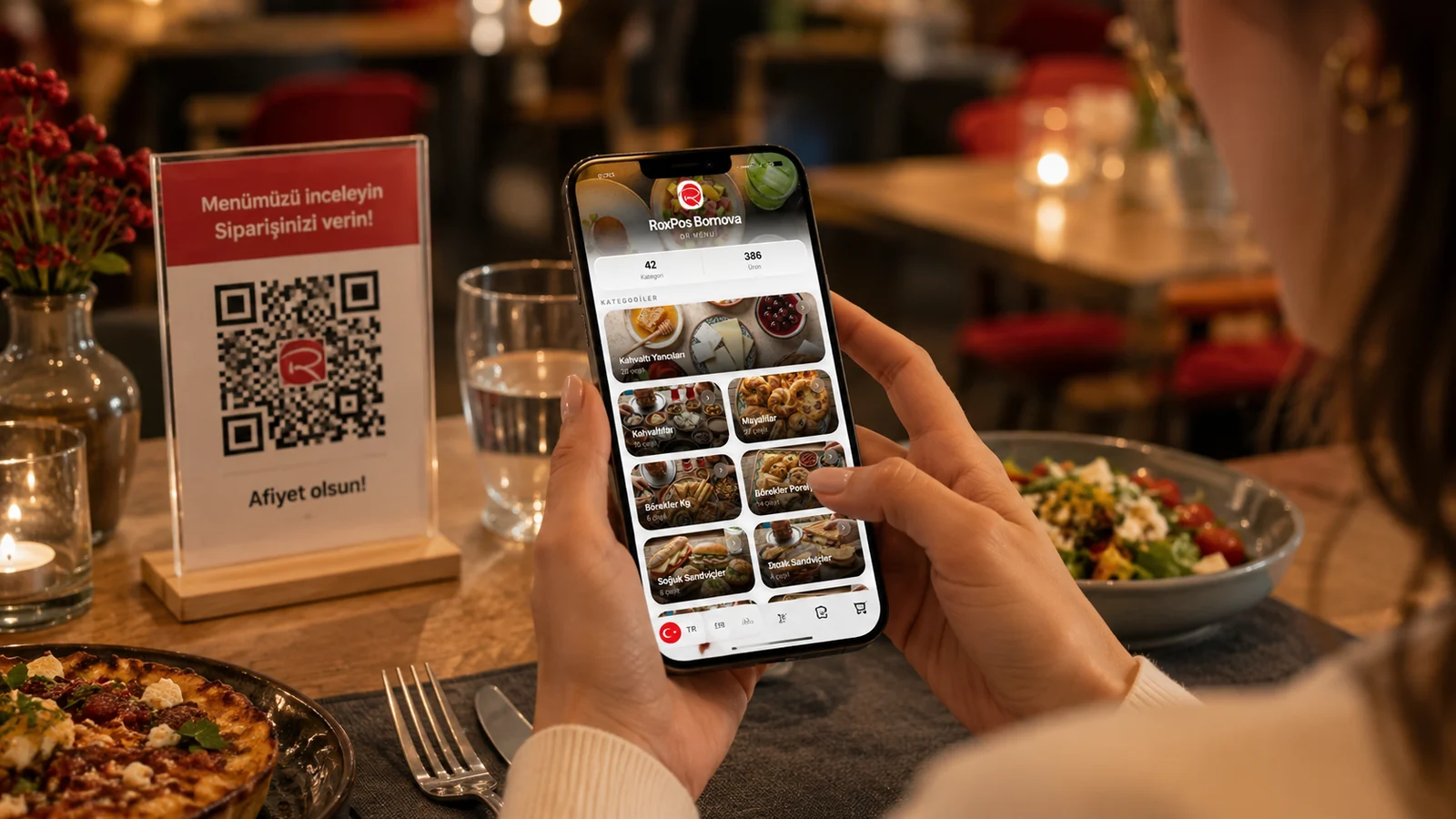
Contactless ordering is a method where guests view the menu on their own phone and start an order without any physical contact. A QR code on the table is scanned, the digital menu opens in the browser, and guests browse items with no app to install and nothing printed to touch. In this guide we explain what contactless ordering is, how it works in restaurants and cafes, and what it brings to your business.
How Does Contactless Ordering Work?
- The guest scans the QR code on the table with the phone camera; no app to install.
- The digital menu opens in the browser; the guest browses categories and sees photos, prices and allergen info.
- The guest browses the menu in their own language and chooses; decisions are faster with fewer misunderstandings.
- The order is passed via a waiter call or digitally; no touching shared menus and less waiting.
The Business Benefits of Contactless Ordering
- Hygiene: no touching shared printed menus, everyone uses their own phone.
- Speed: guests see the menu without waiting, table turnover improves.
- Flexibility: menu and price updates go live instantly with no reprint cost.
- Accessibility: a multilingual menu and clear allergen info make every guest feel safe.
How Contactless Ordering Relates to a QR Menu
Contactless ordering usually happens through a QR menu: the QR code is the entry point of the process. When the guest scans it, the digital menu opens and they browse from there. With ROXQR you can build a multilingual contactless menu in minutes, download the QR code, place it on tables and try it free with no card required. To see it in action, explore our contactless menu solution.