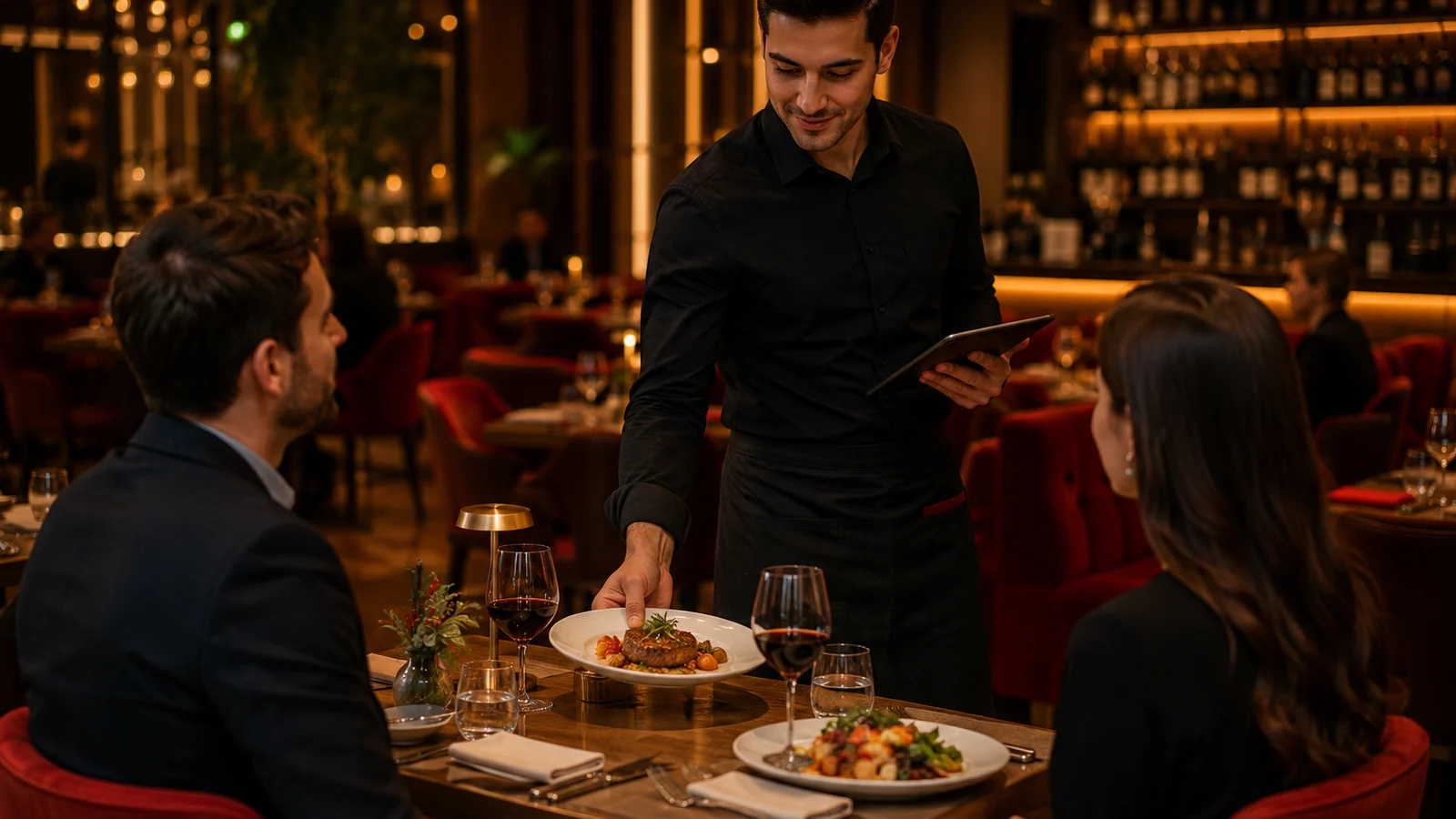
On a busy evening, guests waving to catch a server's eye, waiters circling table by table asking "do you need anything?", and someone still getting forgotten is a familiar scene. A call-waiter feature removes that friction: the guest requests service with one tap from the QR menu on their phone, and the request reaches the team tied to the correct table. In this guide we explain how calling a waiter from a QR menu speeds up table service and what it brings to your business.
How Does Call-Waiter From a QR Menu Work?
- Each table gets its own QR code; when the menu opens, the system knows which table you are at.
- The guest taps "Call waiter" and can add a note: the bill, an extra order, cutlery, and so on.
- The request lands instantly on the team's screen or device, complete with the table number.
- The waiter sees the request and goes straight to that table — no needless rounds, no one forgotten.
Concrete Benefits That Speed Up Service
- Shorter waits: guests don't raise a hand and hope to be noticed — the request goes straight to the team.
- Higher table turnover: bill and re-order requests close faster, so tables free up sooner.
- No one forgotten: requests appear on screen, so no table gets lost in the rush.
- Less walking, more serving: instead of checking every table, the waiter goes only where there's a request.
- Better experience: a fast, visible response makes guests feel looked after.
Tips for Using Call-Waiter Effectively
Once the feature is on, build a small habit into the team: who answers a call and how quickly someone goes should be clear. Add ready options to the request (bill, water, extra order) so a single tap tells you what the guest wants — that way you know what's needed before you reach the table. In a multilingual menu, showing the button in each guest's language lets foreign customers call without hesitation. During peak hours, watch which tables stack up calls and adjust staffing accordingly.
Set It Up With ROXQR in Minutes
With ROXQR, setting up table-based QR menus and call-waiter takes minutes — no app to install, no technical setup. Build a multilingual menu, add allergen info to items and print a unique QR code for each table; the guest calls for service with one tap. Start with a free trial and see, risk-free, whether it fits your venue. Learn more in our QR menu solution.