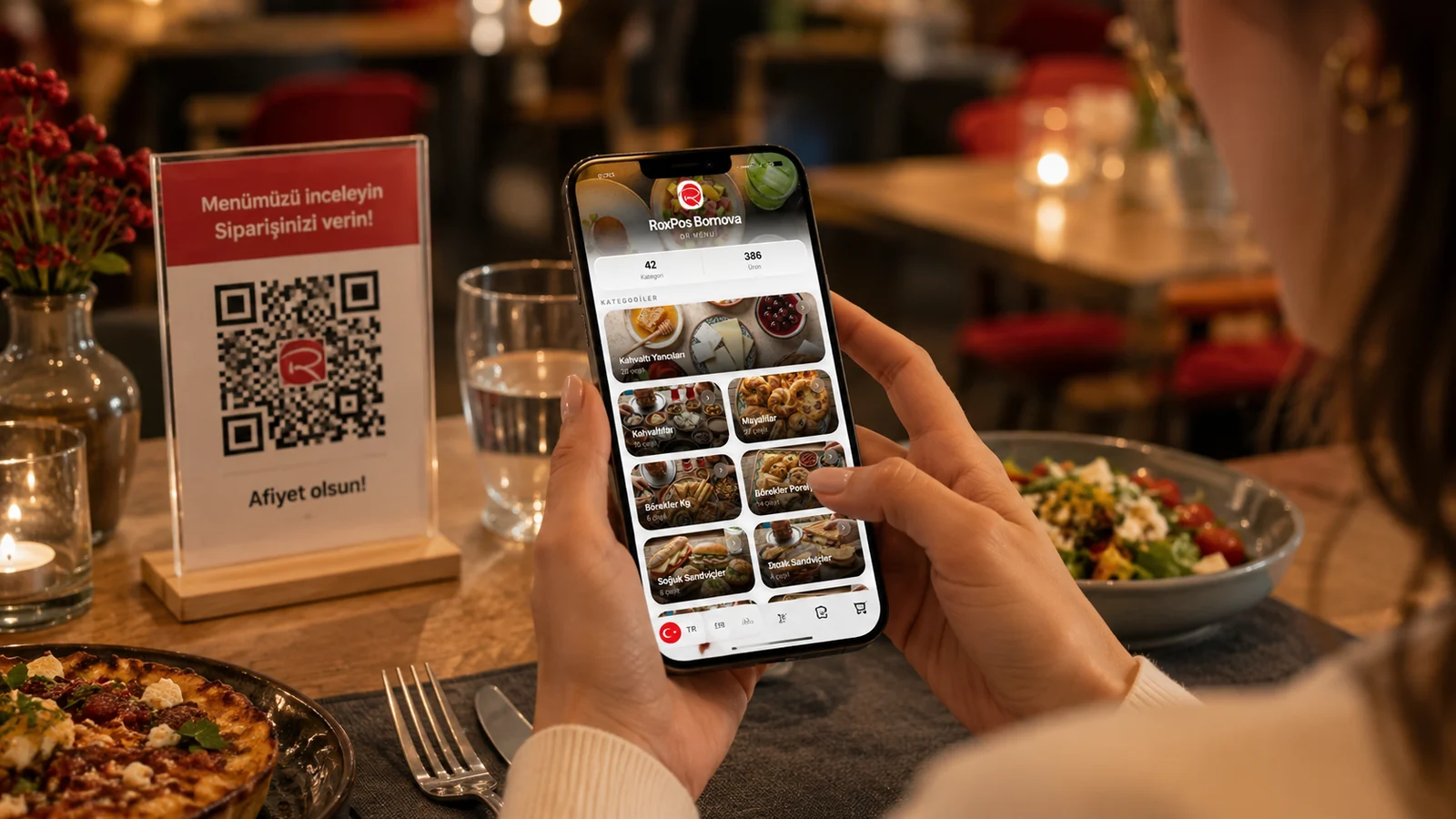
Restaurant and cafe owners often ask the same question: stick with a classic printed menu, or switch to a QR menu? Both have their strengths, but the everyday differences add up over time. In this guide we compare the QR menu and the printed menu honestly across cost, update speed, hygiene, multilingual support and guest experience — and explain which suits which situation.
Cost and Updates: The Clearest Difference
A printed menu means reprinting on every design or price change; printing, paper and lamination costs repeat each time. The moment you raise a price, add a seasonal item or remove a sold-out dish, the menu is out of date. With a QR menu you make the change in the panel and it goes live the same second; the QR code stays the same and you reprint nothing. That saves both time and recurring print costs.
Side-by-Side Comparison
| Criterion | Printed Menu | QR Menu |
|---|---|---|
| Updating | Requires reprinting | Instant, from the panel |
| Recurring cost | Repeats with each print run | None |
| Multilingual | Needs a separate menu | One QR, many languages |
| Hygiene | Passed hand to hand | Contactless access |
Guest Experience and Multilingual Support
- Multilingual presentation: a foreign guest reads the menu in their own language, with no separate English menu to print.
- Allergen info: clear, up-to-date allergen labels under each item let guests order with confidence.
- Visual richness: photos, descriptions and featured items show far better than on printed paper.
- Always clean: no worn, stained or torn menu; the guest always sees a tidy, current version.
Which One Suits You Best?
For most businesses the practical approach is to use the QR menu as the main menu and, if you like, keep a small printed sample at the window or entrance. For venues whose menu changes often, offer seasonal items or host tourists, the QR menu clearly wins; a small business with a fixed menu may prefer to stay printed. With ROXQR you build a multilingual QR menu in minutes with no app or installation, then download the code and place it on tables. Try our QR menu solution free to learn more.