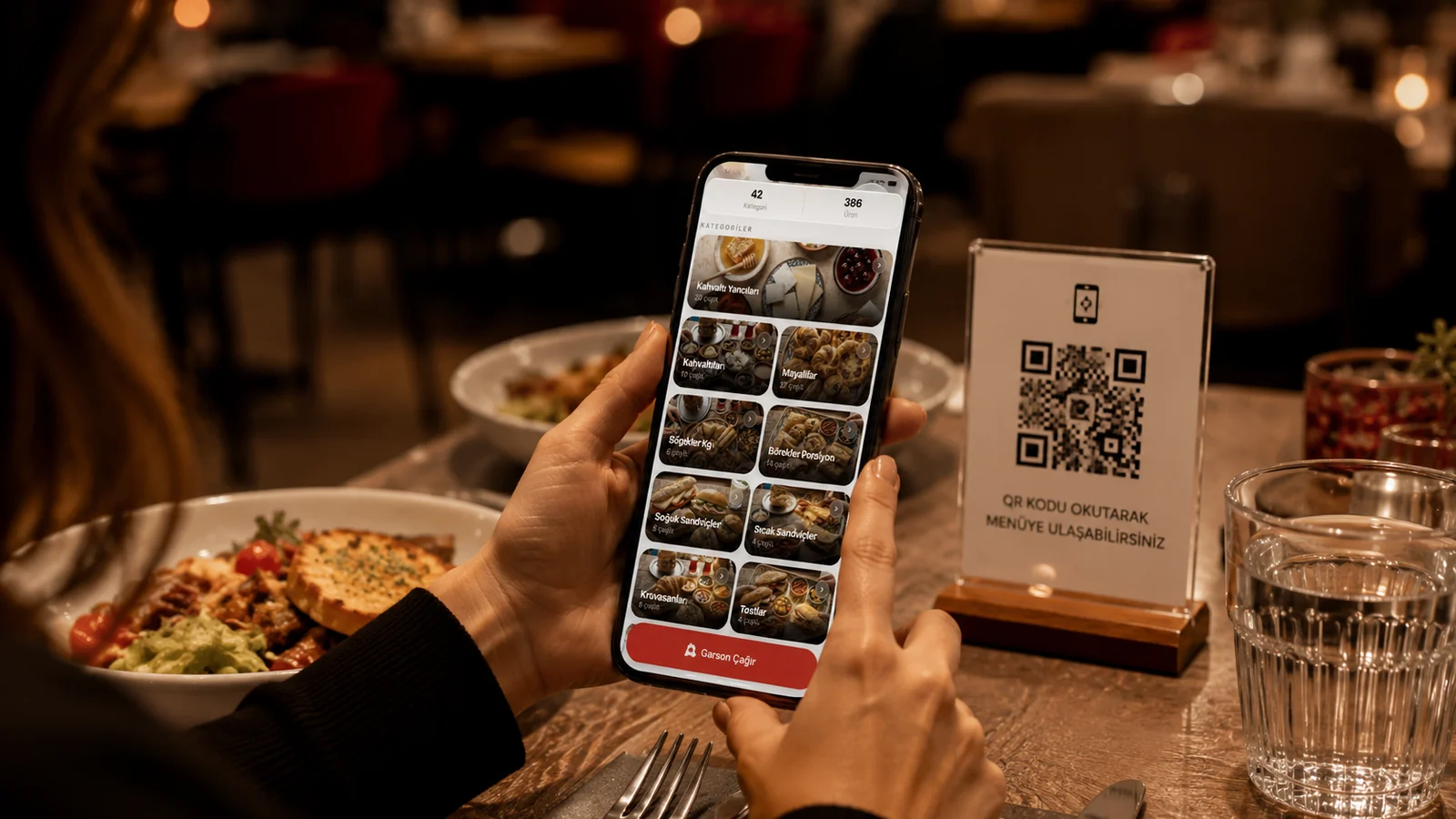
A QR menu is your guest's first digital contact with your business. A well-built menu speeds up ordering and lifts the average ticket; a sloppy one tires the guest in the very first second. Most businesses fall into the same few traps. In this guide we explain the most common QR menu design mistakes and a practical fix for each, in plain language for restaurant and cafe owners.
1. A Design That Is Not Mobile-Friendly
Almost everyone opens a QR menu on a phone, yet many businesses upload their menu as a PDF designed for a desktop screen. The guest has to pinch, zoom and scroll endlessly, can't read tiny text and quickly gives up. Your menu needs large tap-friendly buttons, a legible font and a flow you can navigate one-handed. Instead of a PDF, use a real mobile menu that adapts to any screen size on its own.
Other Frequent Mistakes
- Slow loading: heavy images and PDFs make the menu wait for seconds; use an optimized, fast-opening menu.
- Missing or poor product photos: items without an image sell less; add clear, consistent photos.
- Cluttered category layout: the guest can't find what they want; use clear headings and a logical order.
- Outdated prices and items: sold-out dishes and old prices break trust; update the menu instantly.
- Single-language menu: in a tourist area foreign guests can't read it; multilingual presentation is essential.
- No allergen or ingredient info: guests can't order with confidence; show clear allergen labels on every item.
Leaving Images Too Large
Appetizing photos boost sales, but raw images straight from a phone weigh several megabytes and slow the menu down. On a restaurant's busy Wi-Fi the guest ends up staring at a blank screen. The fix isn't to delete photos; it's to resize and compress them for the web. A menu platform that optimizes images automatically handles this for you, so your menu stays both fast and appetizing.
How to Avoid These Mistakes with ROXQR
ROXQR removes most of these mistakes from the start: the menu is mobile-friendly by nature, optimizes images automatically and opens in seconds. When a price or item changes, you publish it instantly with one click; the same QR code stays. You can present the menu in four languages and add an allergen label to every item. There's no app to install, no setup, and you can start in minutes with a free trial. See our QR menu solution for details, and sign up at app.roxpos.com.