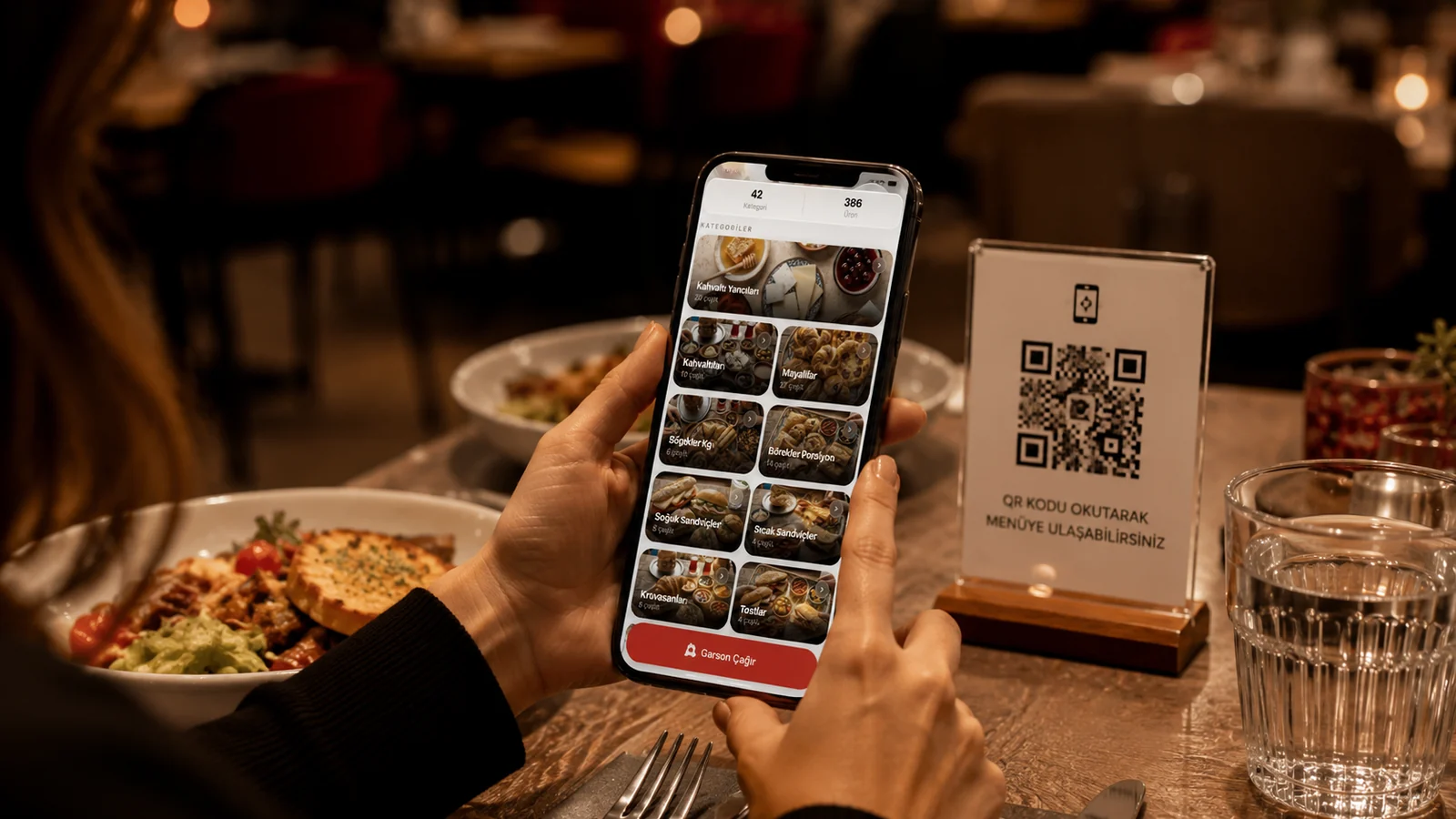
When you switch to a QR menu, half the job is generating the code and the other half is putting it in the right place. As soon as a guest sits down they should spot the code within seconds and scan it; otherwise they call a server, wait, and your menu loses its main advantage. This guide covers where on the table, at what height and in which format to place the QR code, with different scenarios for cafes, restaurants and bars.
Think About the Line of Sight: Keep the Code at Eye Level
A seated guest looks slightly forward and up, not down at the table surface. A card lying flat is often hidden by a plate, napkin holder or glass. That is why putting the code on an upright stand (table tent) almost always beats a flat sticker: the code enters the natural line of sight and is easy to scan without tilting the phone. Place it in the centre of the table or on the edge nearest the guest, within easy reach.
Best Placement by Table Type
- Dining table: an upright stand next to the napkin holder or condiments; a corner that plates won't cover.
- Bar / high table: a narrow but tall stand; near the edge, where it won't sit under an elbow.
- Coffee table / outdoor: a weighted or stuck-down base; wind-proof and weather-resistant material.
- Self-service counter: a large code at the till or tray pickup, at the eye level of someone queuing.
Design and Readability Tips
- Enough size: make the code at least 3 cm so the camera locks on even from a distance or in dim light.
- High contrast: dark code on a light background; don't print the code over a photo or pattern.
- Clear call: add a short prompt like "Scan for the menu" next to the code and a small phone icon.
- Protected surface: laminate the code or use an acrylic stand so stains don't make it unreadable.
However good the placement, the menu behind the code also needs to be fast, mobile-friendly and up to date. With ROXQR you build a multilingual QR menu in minutes with no app to install, and update allergens, photos and prices from one panel. Just download the print-ready code and place it on the tables. See our QR menu solution and start a free trial.
Common Mistakes to Avoid
- Sticking the code flat on the table where plates cover it; the guest never sees it.
- Printing the code too small; in dim light the camera can't focus and the scan fails.
- Using one print for every table so when it wears out you have to replace them all at once.
- Leaving the code alone with no prompt or icon; some guests won't know what to do.