When a guest looks at your menu, they decide what to order in just a few seconds. The name matters, but so does the description beneath it. A well-written item description brings the flavor to life in the mind, justifies the price and nudges a hesitant guest. In this guide we cover, step by step, how to write menu descriptions that sell for restaurants and cafes.
Get the Facts Right: Be Clear and Honest
Sales copy should be tasty but never exaggerate the truth. If the guest sees a gap between what they read and what arrives on the plate, trust erodes. Start with the facts: main ingredient, cooking method, portion size and what comes with it. Note the level of heat or spice. Show labels like vegetarian, vegan or gluten-free and the allergen information clearly; this builds trust and prevents wrong orders.
Choose Words That Appeal to the Senses
Instead of abstract adjectives, engage the senses. Writing "freshly baked chocolate souffle with a molten center" instead of "tasty cake" wakes up the appetite. Describe texture (crisp, creamy), temperature (piping hot, ice-cold), aroma and preparation. Highlight the source or trait of an ingredient: from a local producer, stone-baked, made daily. These small touches lift a dish out of the ordinary and raise its perceived value.
A Checklist for a Strong Description
- Keep it short: one or two sentences are enough; a long paragraph goes unread.
- Always name the main ingredient and cooking method.
- Add one sensory detail: texture, temperature or aroma.
- Show allergens and dietary labels (vegan, gluten-free).
- Keep the same tone across the whole menu; every item should speak in one voice.
- Spotlight star items; emphasize what's profitable, not everything.
How ROXQR Makes This Easy
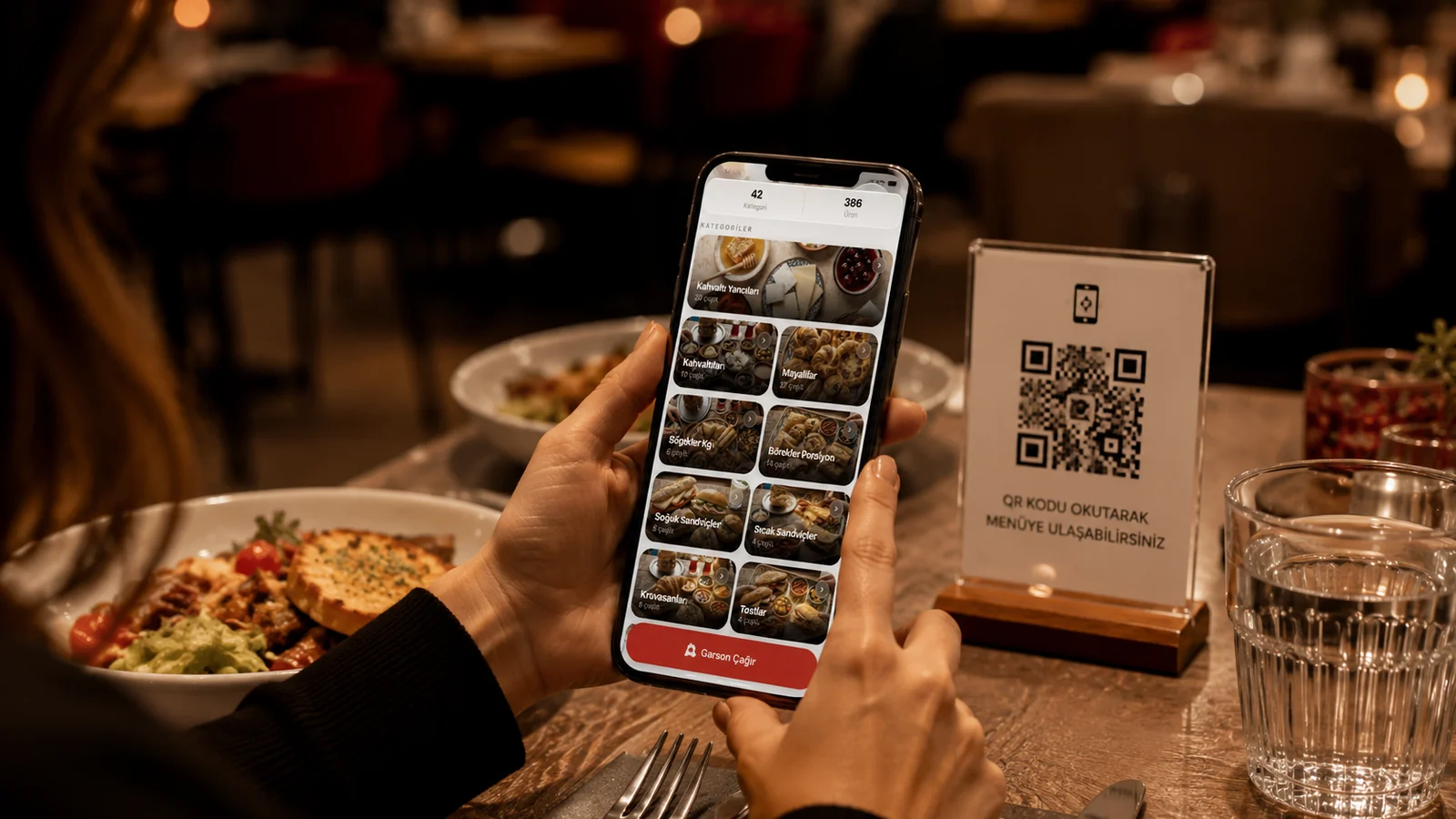
A well-written description is only as good as the menu that presents it. With ROXQR you can add a description, photo, allergen label and dietary info to every item, and publish your menu in minutes with no app and no installation. You enter your descriptions in multiple languages from one panel, so a tourist guest reads in their own language. Change a single word and the update is instant; the QR code stays the same. Try our QR menu solution free and start presenting your items at their most appetizing.