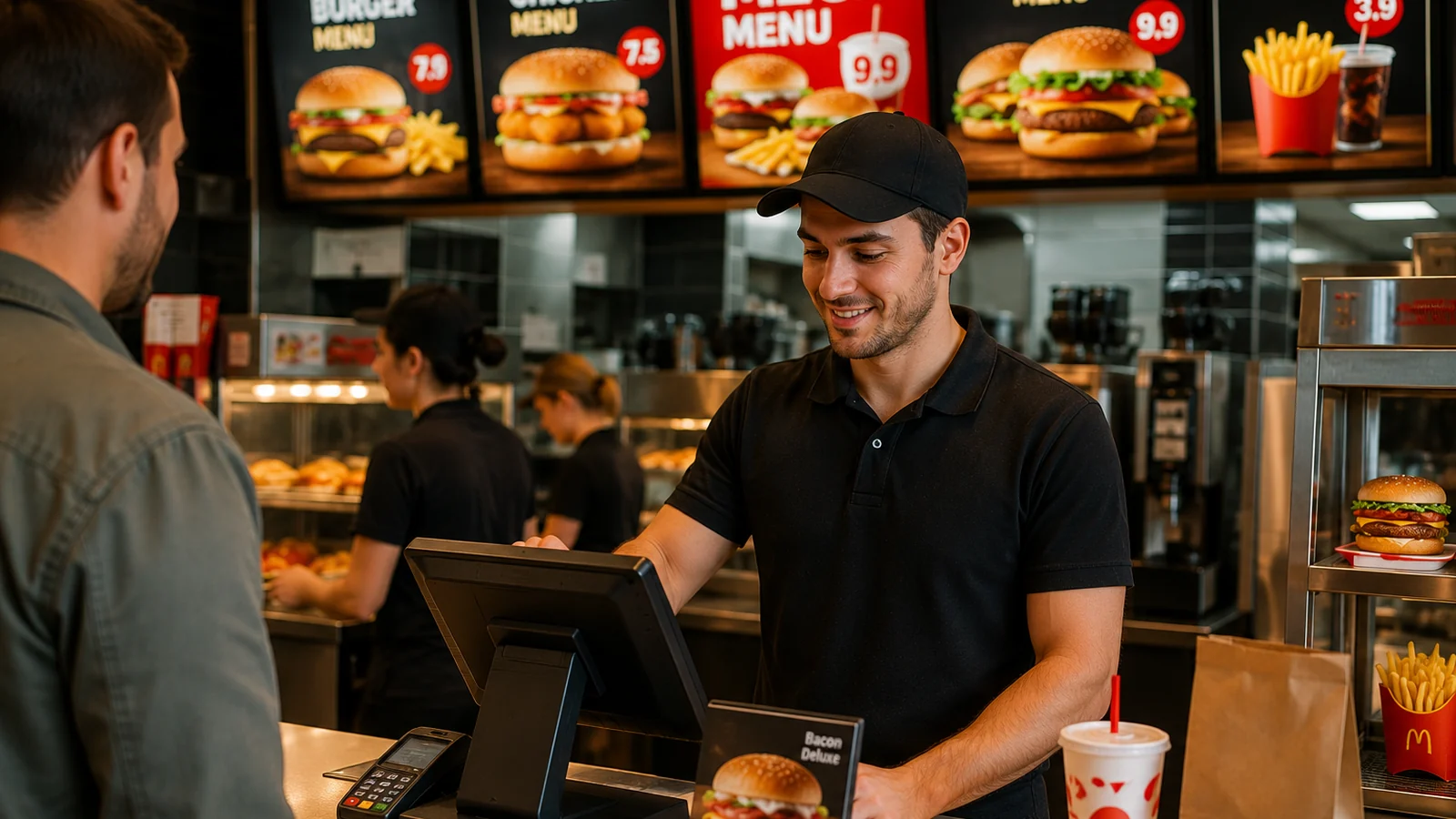
Running a food truck is fast, tight and ever-changing. There's barely room to hang a printed menu, prices shift day to day with ingredient costs, and you won't be parked at the same spot tomorrow. In these conditions a cardboard menu or a sign is both costly and inflexible. A QR menu — a digital menu opened by scanning a code — solves all three challenges at once: it takes no space, updates instantly, and lets the guest browse and decide while waiting in line.
Why a QR Menu Makes Sense for a Food Truck
- Faster queue: guests read the menu while waiting and reach the counter ready to order.
- Zero printing cost: update the menu in seconds when an item sells out or a price changes.
- Multilingual menu: serve tourists in their own language at festivals and busy spots.
- Allergen info: clear labels on every item, no explaining each one at the counter.
Setting Up Your Food Truck QR Menu Step by Step
- Enter your menu digitally: categories, products, photos, prices and allergen labels.
- Download your unique QR code; no app install or technical know-how needed.
- Stick the code where it's visible: counter, side panel and order window — one sticker is enough.
- Manage the menu from the panel during the day: hide sold-out items, fix prices — changes go live instantly.
With ROXQR you set up your food truck's multilingual QR menu in minutes: no app to download, no installation, no card details. Try it free and use the same QR code at every spot you park. For a service-speed setup, see our fast food QR menu solution.
Practical Tips That Make Field Work Easier
- Print the QR code large and place it at eye level so it scans easily in daylight.
- Put the day's specials first: if you run a short menu, keep categories simple.
- Hide a sold-out item instead of deleting it; the photo and price stay ready for the evening.
- The same QR code stays fixed; even if your location changes, you never reprint stickers.