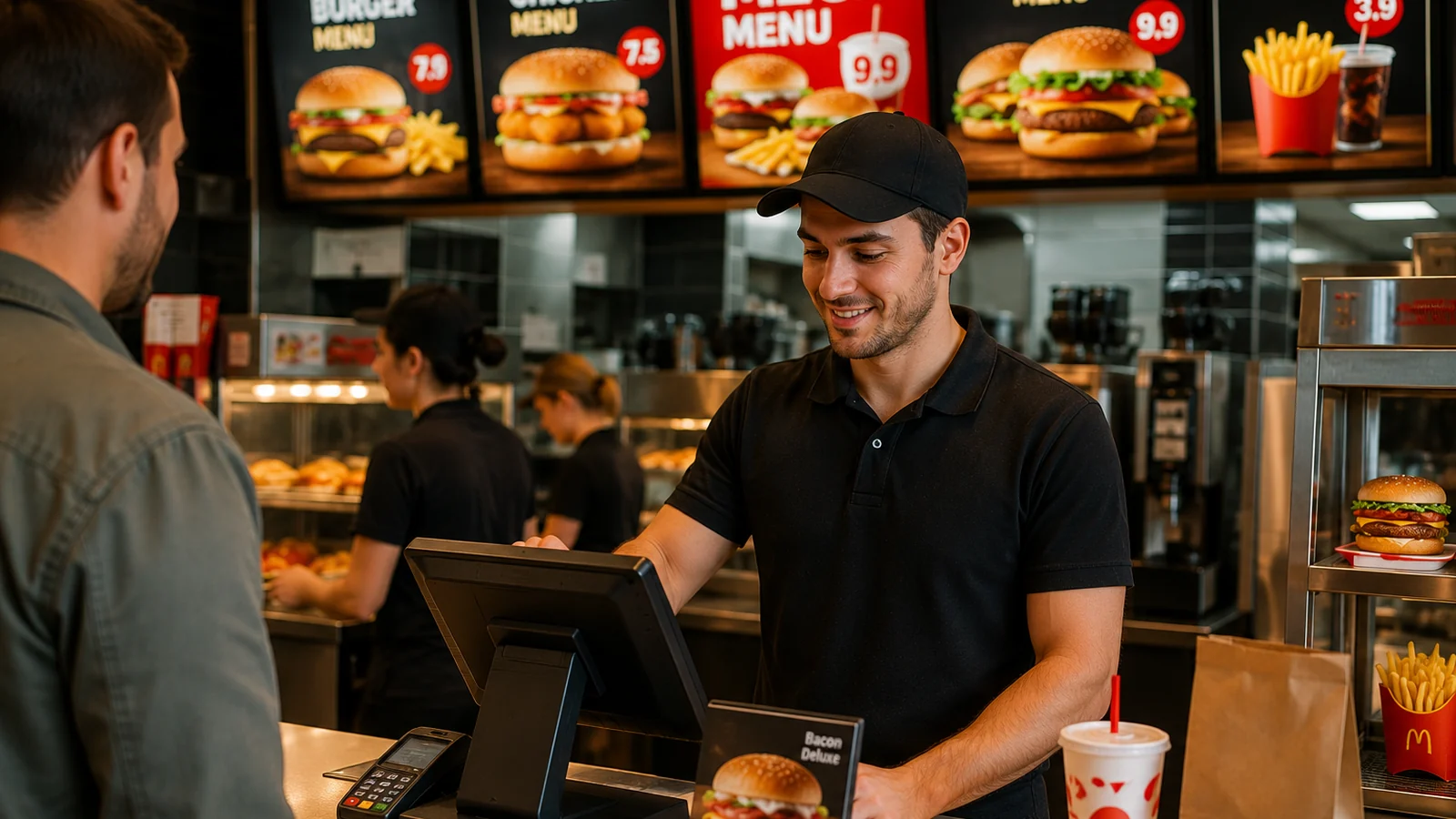
Success in fast food comes down to one thing: speed. When a guest reaches the counter, waits in line or sits at a table, they want to decide in seconds. Traditional printed menus and posters slow this down, and reprinting every time a price changes is costly and tiring. This is exactly where a QR menu helps: the guest scans the QR code on the table or counter with their phone, and the menu opens in the browser with no app to install. In this guide we explain why a QR menu is ideal for fast food and how to set one up.
Why Are Fast Food Businesses Switching to QR Menus?
In quick service every second turns into revenue. A QR menu lets guests browse while waiting in line and decide in advance, shortening time at the counter and keeping lines moving. When you need to update a price or item, you change it in a single panel and publish instantly — no more reprinting headaches. And for branches in tourist areas, a multilingual presentation is a major advantage.
Features a Fast Food QR Menu Should Have
- Clear categories and large product photos: guests scan the menu in seconds.
- Combo and extra/sauce options: multiple variations and add-ons per item.
- Allergen and ingredient info: gluten, nuts and other allergens clear on every item.
- Multilingual menu: a presentation in the tourist guest's own language.
- Instant updates: hide a sold-out item, change a price in seconds.
How to Set Up a QR Menu for Fast Food
- Open a free account and build your menu: categories, combos, extras and prices.
- Add product photos, allergen labels and languages.
- Download the generated QR code; place it on the counter, tables and takeaway bags.
- As the menu changes, update it from the panel; the QR code stays the same and changes go live instantly.
With ROXQR you can build your fast food menu in minutes, publish it in multiple languages and place the QR code on tables right away. There's no app to install for setup, and you can try it free. For details, explore our fast food QR menu solution.