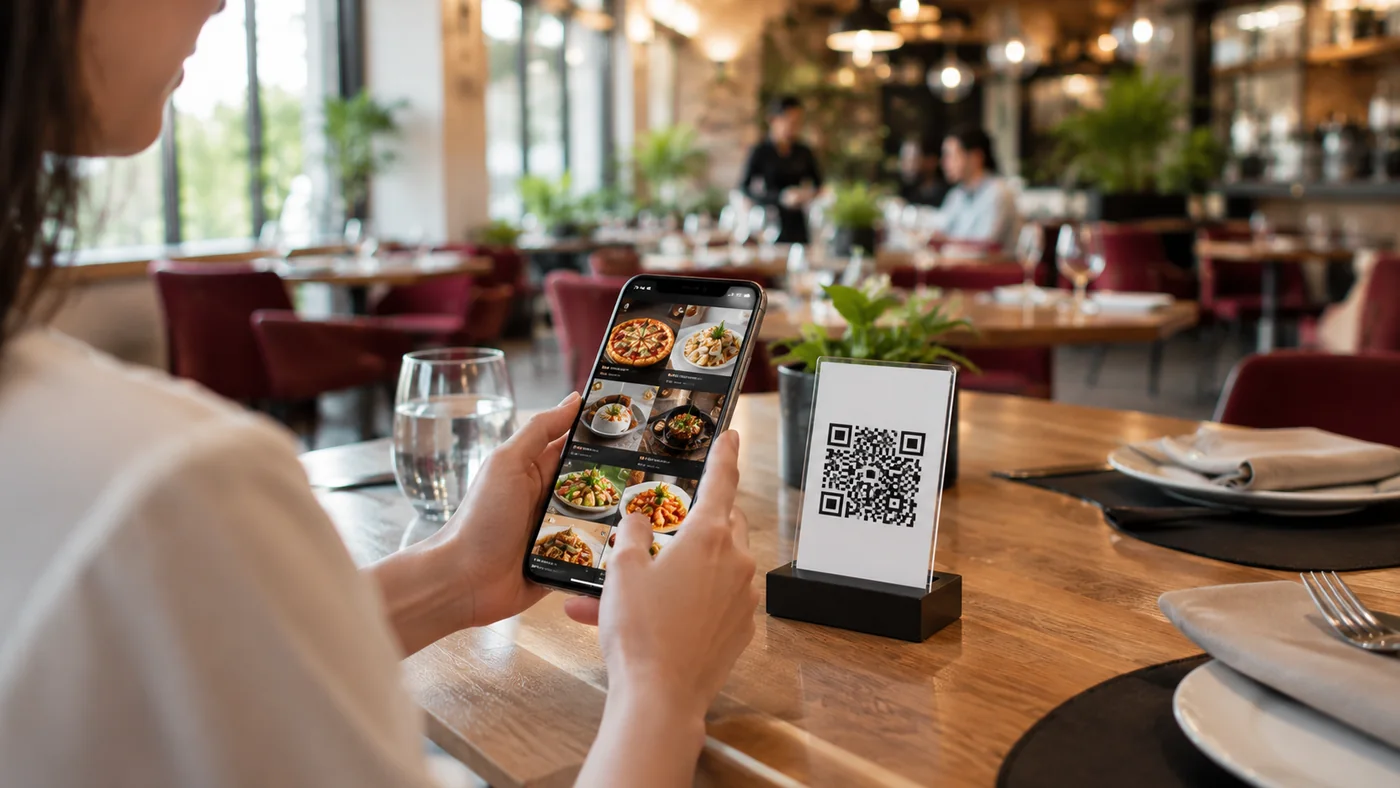
WhatsApp ordering integration lets a guest take the items they picked from your digital menu and send them, as a ready-made message, to your business WhatsApp line with a single tap. There's no separate app to install and no account to create — guests order with the WhatsApp they already have. In this guide we explain how WhatsApp ordering works, what it brings to cafes and restaurants, and how it fits together with a QR menu.
How Does WhatsApp Ordering Integration Work?
- The guest scans the QR code on the table and your digital menu opens in the browser.
- They pick the items they like, set quantities, notes and any options.
- The order turns into a ready WhatsApp message with item names and the total.
- The guest taps 'Send'; the order lands on your WhatsApp line and you confirm it.
Benefits for Restaurants and Cafes
- No setup for the guest: no app to install, no account to open — they use their existing WhatsApp.
- Error-free orders: item names and quantities are written into the message automatically, fewer mix-ups.
- Ideal for takeaway and pickup: guests can order from the menu over WhatsApp without sitting down.
- Customer relationship: you can use the incoming number to send a thank-you, a promotion or a re-order invite.
- Lower fees: direct contact instead of a marketplace, no per-order commission.
Stronger Together with a QR Menu
WhatsApp ordering works best on top of an up-to-date, multilingual digital menu. With ROXQR you build your menu in minutes; the guest opens it in the browser with no app, sees items in their own language, checks allergen info and carries the selection straight into WhatsApp. When you change a price or an item, the update appears instantly and the QR code stays the same. Explore our digital menu solution and build your own menu with a free trial.
What to Keep in Mind When Getting Started
Tie the WhatsApp line where orders arrive into your service flow: decide upfront who watches messages during the rush and how you confirm and signal ready times. Keep your number visible on the menu, use an automatic notice for closing hours, and state payment and delivery options clearly to the guest. When the menu is current and correctly priced, WhatsApp ordering eases both the kitchen and the guest.