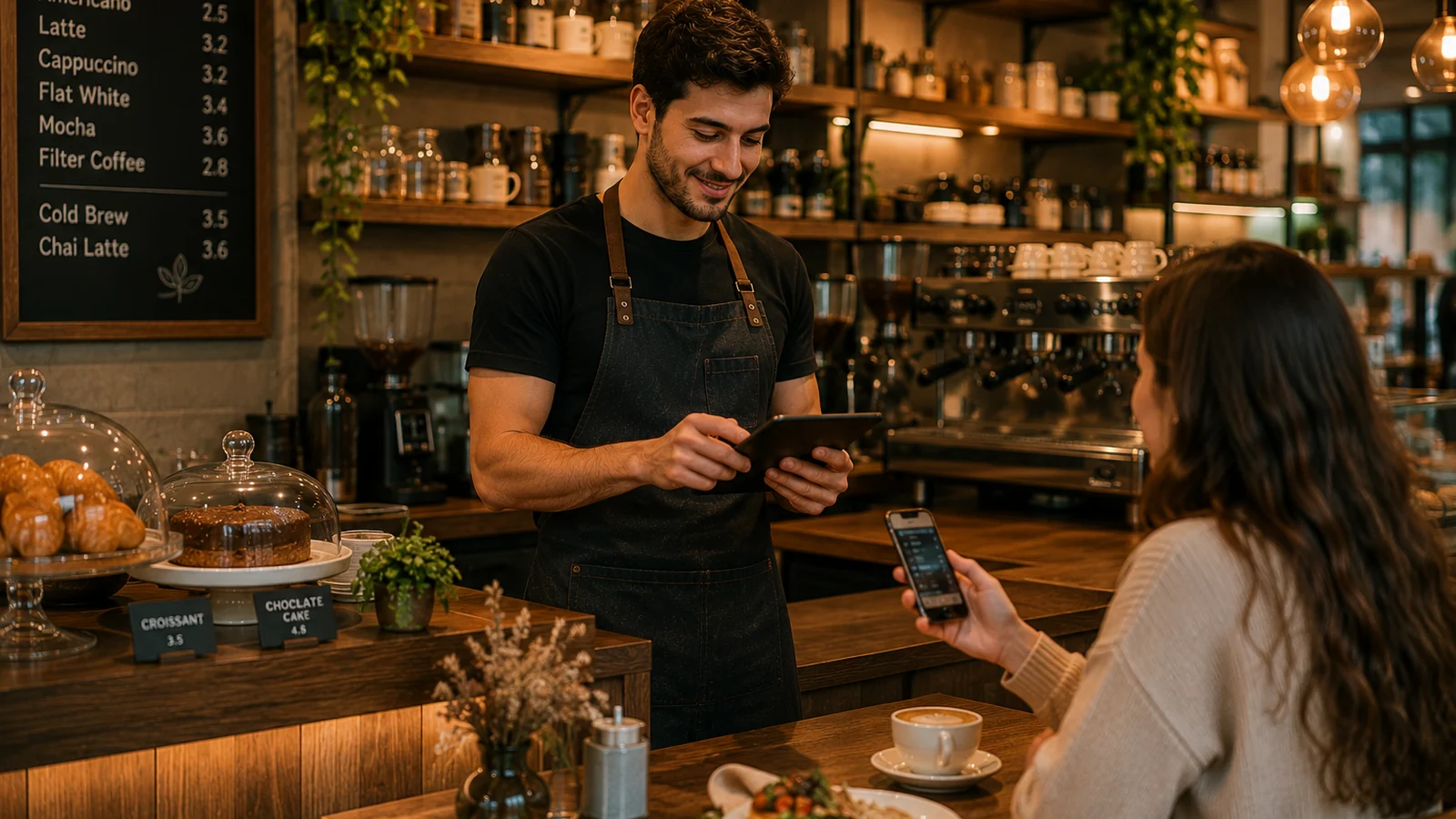
Digitalization is not just for big chains. The neighborhood cafe, the small eatery or the boutique restaurant also needs digital tools to serve guests faster, cleaner and more flexibly. The good news: this transformation does not require expensive software or long setups. With a few practical steps taken in the right order, even a small business can go digital in minutes rather than days. In this guide we cover the digitalization steps that deliver the quickest wins for small businesses.
Where to Start with Digitalization
The most common mistake is treating digitalization as a big project and postponing it. The right approach is to start at the most visible point you touch every day with the customer: the menu. Moving your menu to digital improves the guest experience immediately and lays the foundation for every other step. The order below shows where a small business should invest first.
- Digitalize the menu: a QR menu ends printing costs and lets you update prices instantly.
- Build online visibility: keep your Google Business Profile and social accounts up to date.
- Streamline payments: bring contactless and fast payment options to the table.
- Decide with data: track which items sell most and which hours are busiest.
First Step: a Quick Win with a QR Menu
For a small business, the digitalization step with the fastest return is switching to a digital QR menu. Scanning the QR code on the table, the guest opens your menu directly in the browser with no app to install; they browse categories and see product photos, prices and allergen information. When a price changes or an item runs out, you publish the change instantly with no reprint. Tourist guests can even view the menu in their own language; multilingual presentation improves the experience and reduces misunderstandings.
With ROXQR you complete this step in minutes: open your account, build your menu digitally, then download the generated QR code and place it on the tables. There is no app to install and no setup, and you can try it free with no card required. To learn more, explore our digital menu solution.
What Digitalization Brings to a Small Business
- Lower cost: one digital setup instead of reprinting menus again and again.
- Better experience: fast access, clear photos and multilingual presentation.
- Fewer errors: current prices and allergen info reduce misunderstandings.
- Faster response: adapt the menu instantly for peak hours and seasonal changes.
For a small business, digitalization is not a cost but a tool that saves time and money. Starting with the menu and then adding online visibility, payments and data steps in order makes the transformation both manageable and sustainable. The point is not to make one big move but to take the most concrete step you can today; for most businesses that is a QR menu set up in minutes.