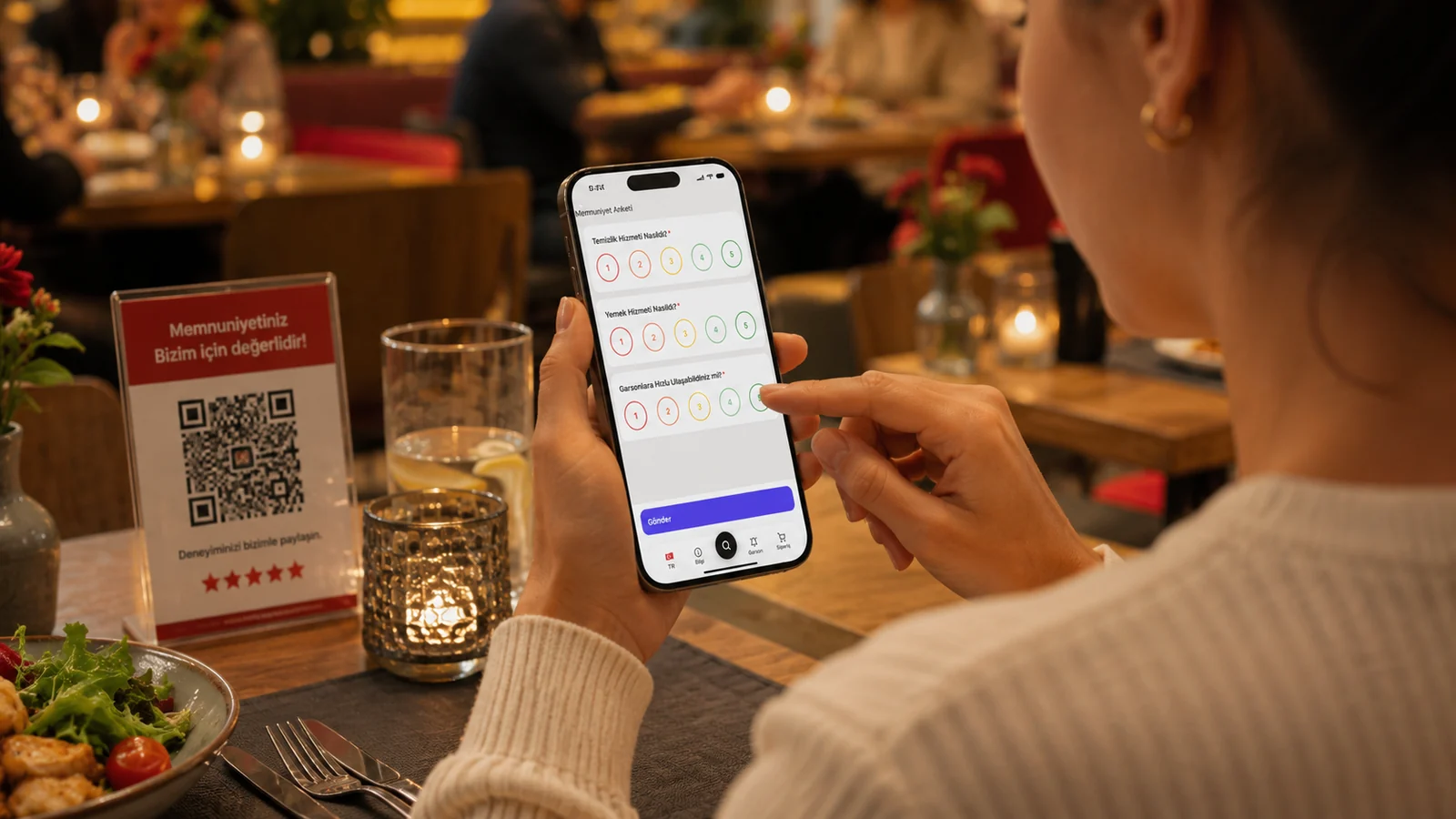
A good promotion wins not with the right product but with the right presentation. The first thing a seated guest notices should be your featured item or today's deal. On a printed menu that means a new print, stickers and effort; on a digital QR menu it's a few minutes of editing. In this guide we show, in concrete steps, how to make promotional items visible on your QR menu, how to display prices transparently and how to tie promotions to the right moment.
Ways to Highlight a Promotional Item on the Menu
- Open a dedicated section at the top: place a "Today's Pick" or "Promotions" category first.
- Use badges: labels like "New", "Deal" or "Chef's Pick" catch the eye instantly.
- Add a strong photo: a high-quality image on the promoted item is the single detail that lifts sales most.
- Show allergens and ingredients: transparency builds trust so guests choose without hesitation.
Displaying the Price Correctly
Showing only the new price on a discounted item hides the value of the deal. When you display the old price struck through with the new price clearly beside it, the guest sees exactly what they save and decides faster. If the item is a set or combo, highlight what's included and the "together" price rather than a sum. On a QR menu you make these updates in seconds; when the promotion ends you revert the price with one tap and remove the risk of selling at the wrong price. Always show prices in your business currency; on a multilingual menu a tourist also sees the amount clearly in their own language.
Right Timing: Manage Promotions in Real Time
A promotion's power is in its timing. Quick dishes at lunch, dessert and coffee in the afternoon, sharing plates in the evening should each take the spotlight. You can't change a printed menu through the day; a digital menu takes a few taps. Hide a sold-out promo item instantly and avoid the embarrassment of recommending something you don't have. For seasonal items, daily picks based on your ingredients and weekend deals, your menu works like a live storefront. With ROXQR you set up such a multilingual promo menu in minutes and place the QR code on tables with no app or installation; see how to start on our QR menu solution page and try it free.
Common Mistakes in a Promotion Menu
- Highlighting too many promotions at once: when everything stands out, nothing does; 1-2 clear picks a day is enough.
- Leaving an expired promotion live: showing a finished discount creates both reputation and price problems.
- A promo with no photo or info: an item without a photo or description goes unnoticed even on offer.