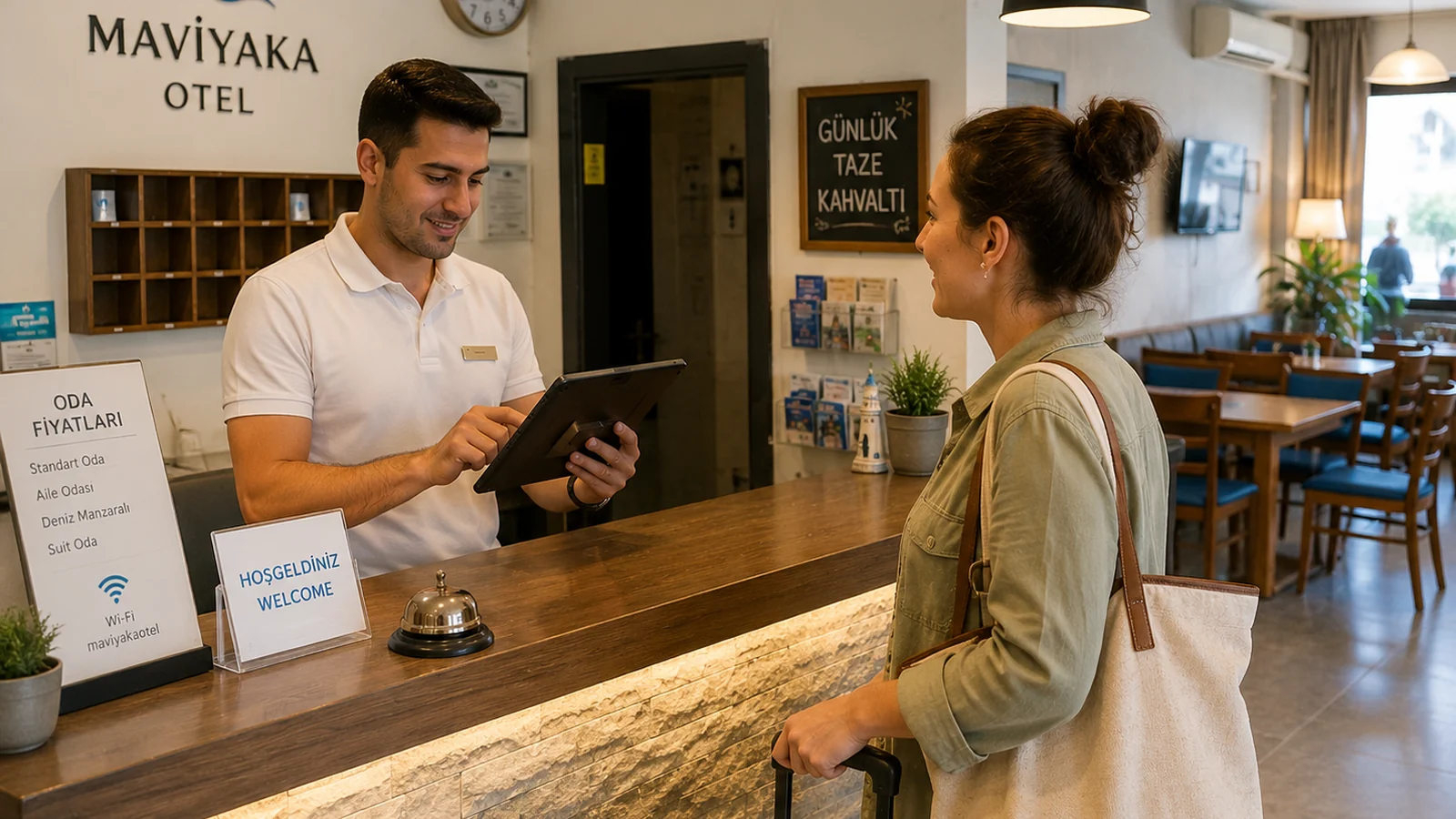
If you run a restaurant, cafe or hotel in a tourist area, a large share of your guests don't speak your language. A single-language printed menu becomes a visual barrier: the guest struggles to understand the dishes, asks the waiter with hand gestures and often just picks a familiar item and stops there. A multilingual QR menu exists precisely to remove that language barrier. In this guide we explain why a multilingual menu matters for tourist-heavy venues and how to set one up in minutes.
What Does a Multilingual Menu Bring to a Tourist Business?
- Higher tickets: when guests understand the whole menu in their language, they add sides and desserts more readily.
- Fewer mistakes: misread orders and returns drop, and the kitchen flow stays smooth.
- Better reviews: guests who feel their language is spoken leave more positive feedback.
- Less staff load: waiters don't have to translate the menu at every table.
Which Languages Should You Add?
The right language mix starts with your guest profile. The simplest method is to observe which countries your visitors come from — from your booking and payment records or the guest mix at nearby hotels. At a seaside destination English is almost always the common language; on top of that you add the languages of the nationalities that dominate your area. There's no need to overdo it: three to five languages covering the vast majority of guests is enough for most tourist venues. ROXQR lets you present your menu from a single panel in many languages — including Turkish, English, German, Spanish, Russian, French, Irish and Italian — turning on the ones you want and leaving the rest off.
What to Watch For in a Tourist Menu
- When translating dish names, explain the local flavor: a short description line for an unfamiliar dish removes the guest's hesitation.
- Show allergen and ingredient info clearly in every language: a foreign guest relies on it more, since you don't know their dietary habits.
- Keep prices current and shown with the right currency symbol: in a multilingual menu, a surprise price gap breaks trust fastest.
- Place the QR code somewhere visible and durable: for outdoor tables, use a label that resists water and sun.
Build Your Multilingual Tourist Menu in Minutes with ROXQR
With ROXQR you build your menu from a single panel, turn on your languages and download the system-generated QR code to place on tables. Guests see the menu in their own language directly in the phone browser — no app to install and no sign-up. Change a price and it updates instantly across all languages; because the QR code stays the same, you never reprint the table labels. You can try it free with no card required and have your menu ready before the season starts. To begin, explore our QR menu solution.