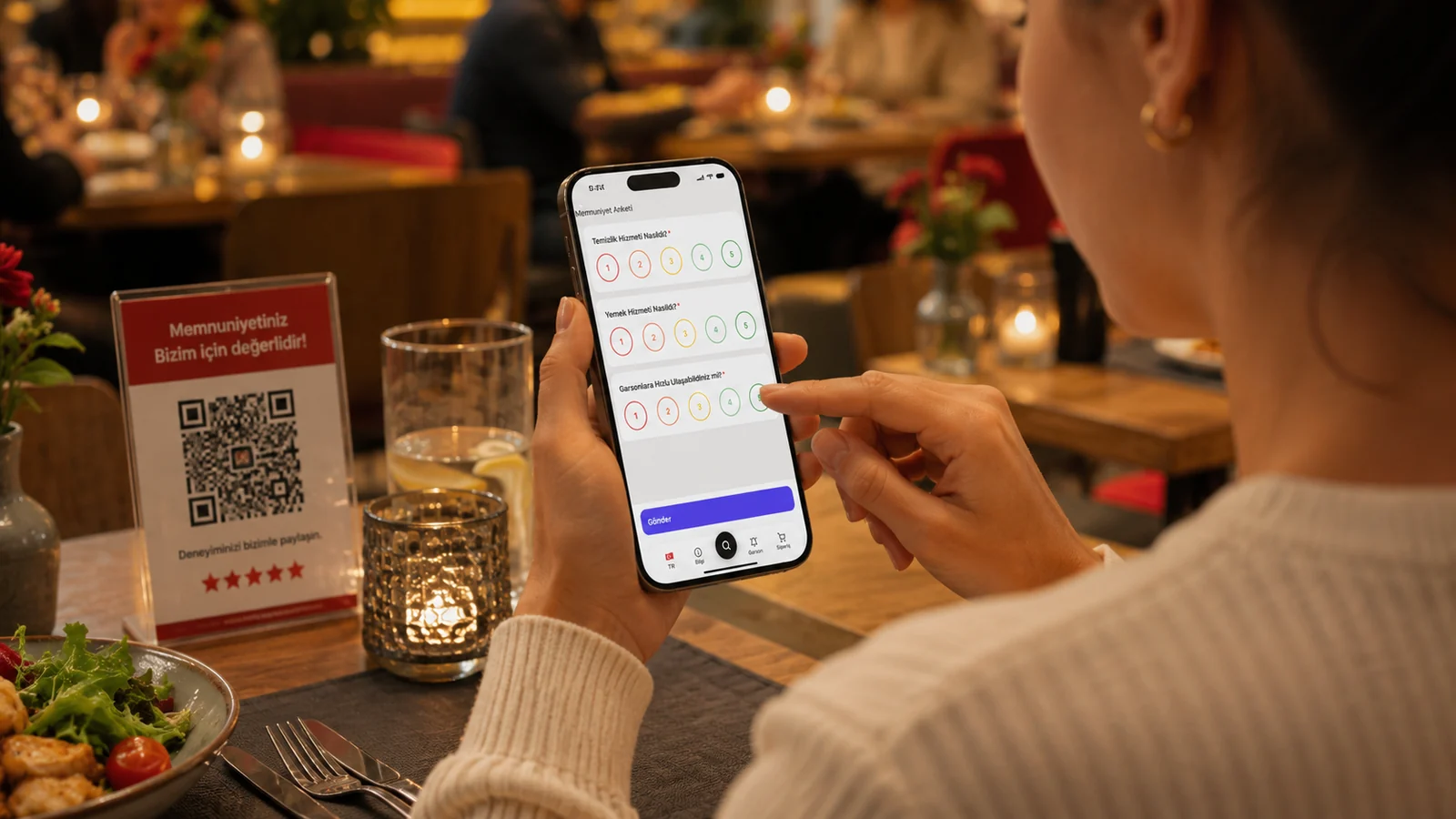
Customer experience is the sum of everything a guest goes through, from first contact with your business to the moment of payment. In restaurants and cafes that experience often begins the moment the menu reaches their hands. Digital tools speed up that journey, make it clearer and personalize it — while freeing your staff from routine tasks so they can focus on serving guests well. In this guide we explain how to improve customer experience with digital tools, step by step.
Where Do Digital Tools Improve Customer Experience?
Improvement happens not at a single point but at every stop along the experience journey. The moment a guest sits down, they want to reach the menu without waiting; they want to see items with photos, clear prices and allergen details; a foreign guest wants to read in their own language. Digital tools can meet all of these expectations in one flow. The impact is clearest in the following areas.
- Speed: the guest opens the menu in seconds, and staff don't run around carrying menus.
- Clarity: photos, clear prices and descriptions reduce wrong orders and returns.
- Accessibility: multilingual support lets tourist guests read the menu in their own language.
- Trust: allergen and ingredient information is visible on every item, so guests feel safe.
Practical Steps to Improve Customer Experience
- Digitize your menu: move categories, photos, prices and descriptions into a clean structure.
- Place a QR code on tables so guests reach the menu in the browser without installing an app.
- Turn on multiple languages: enable the languages your guest audience needs.
- Add allergen and ingredient details to every item so guests choose with confidence.
- Collect feedback and update the menu regularly so changes go live instantly.
How ROXQR Helps You Improve the Experience
Bringing all of these steps together in one place makes the work easy. With ROXQR you can prepare a multilingual QR menu that opens with no app and can show allergen details in minutes, and try it free — no installation needed. When you update your menu, changes go live instantly and the QR code stays the same. For details, explore our QR menu solution. Sign-up and login happen at app.roxpos.com.