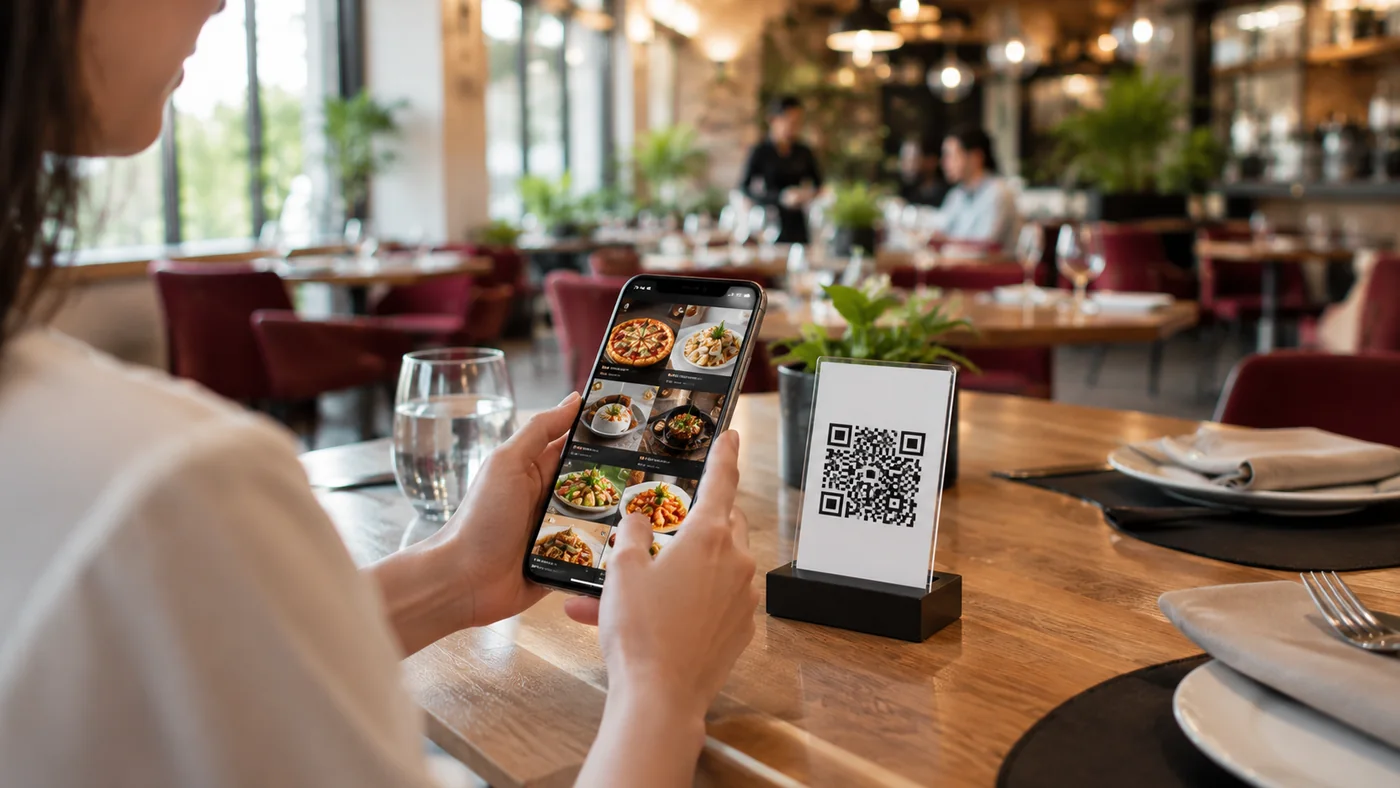
A QR menu doesn't just show items; every scan, tap and language choice quietly produces data. Most restaurants never use it and make menu, pricing and staffing decisions on instinct. Yet the numbers in front of you reveal which item draws interest, which is ignored and what guests actually look for. In this guide we explain how to read QR menu analytics in simple steps and turn that data into concrete business decisions.
Which Metrics Should You Watch?
- Item views: which items get the most attention and which are never opened.
- Category ranking: where guests go first and which section holds attention.
- Language mix: which languages your guests open the menu in.
- Hourly and daily traffic: when scans peak across hours and days.
- Search terms: what guests look for in the menu and may not find.
Turning Data into Decisions
Data alone does nothing; you read it as an answer to a question. When you ask "why does no one look at this profitable dessert?", the view count tells you whether to fix the item's position or its photo. When you ask "why does the kitchen jam at 7pm?", the hourly traffic chart makes you rethink your shift plan. The steps below are a practical way to turn raw numbers into small weekly decisions.
- Find items with many views but few sales: there's interest but no conversion; revisit the description, price or photo.
- Cut or promote items that are never opened: simplify away dead items that take up space.
- Prioritize by language mix: if tourists dominate, invest in that language's translations and photos.
- Plan shifts and prep around peak hours: set mise en place and staffing before the peaks.
- Add items that are searched but missing, or fix their naming: follow guest demand.
How ROXQR Surfaces This Data
With ROXQR you move your menu to digital in minutes; there's no app to install and no setup — the guest scans the QR code and the menu opens directly in the browser. When you update the menu the change goes live instantly, so after you apply a decision you can watch its effect in real time. Multilingual menus and allergen labels come as standard, letting you base language and content decisions on solid data. To see a data-driven menu in action, try the ROXQR QR menu solution free.